One website that dresses for your kind of salon
Turn on the services you offer, and the website changes its colors, photos, sections and mascot to match. A barbershop looks like a barbershop; a nail studio looks like a nail studio.
On a phone
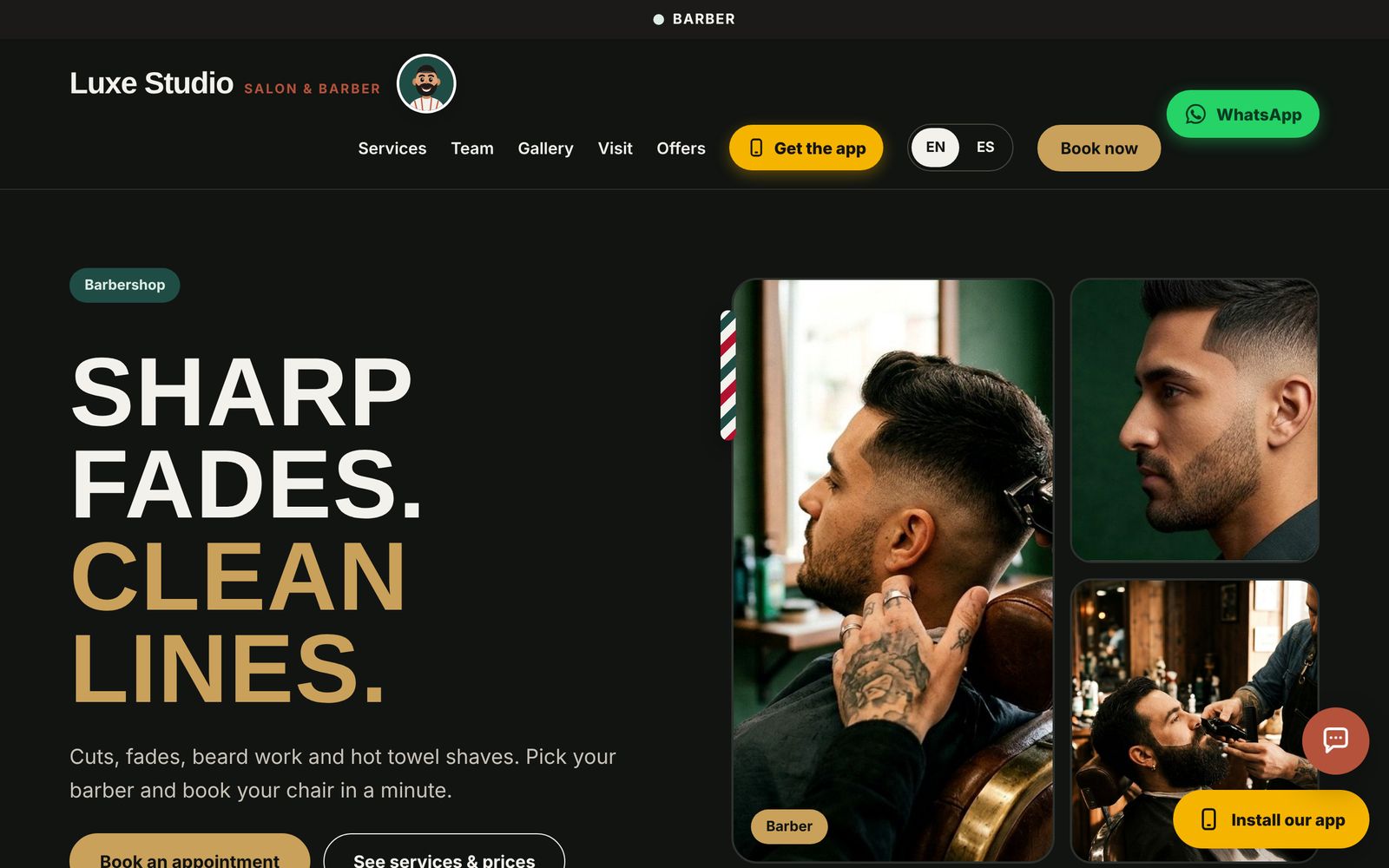
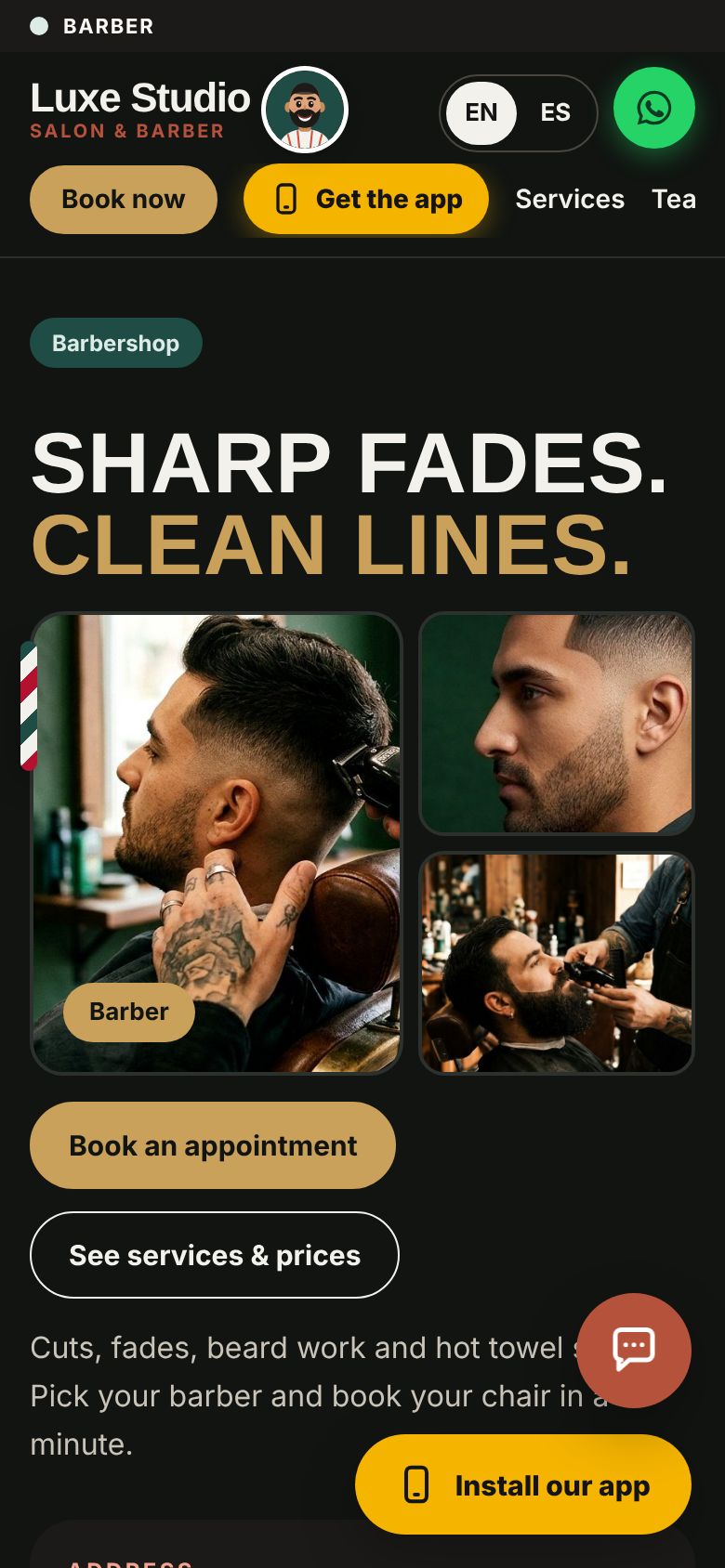
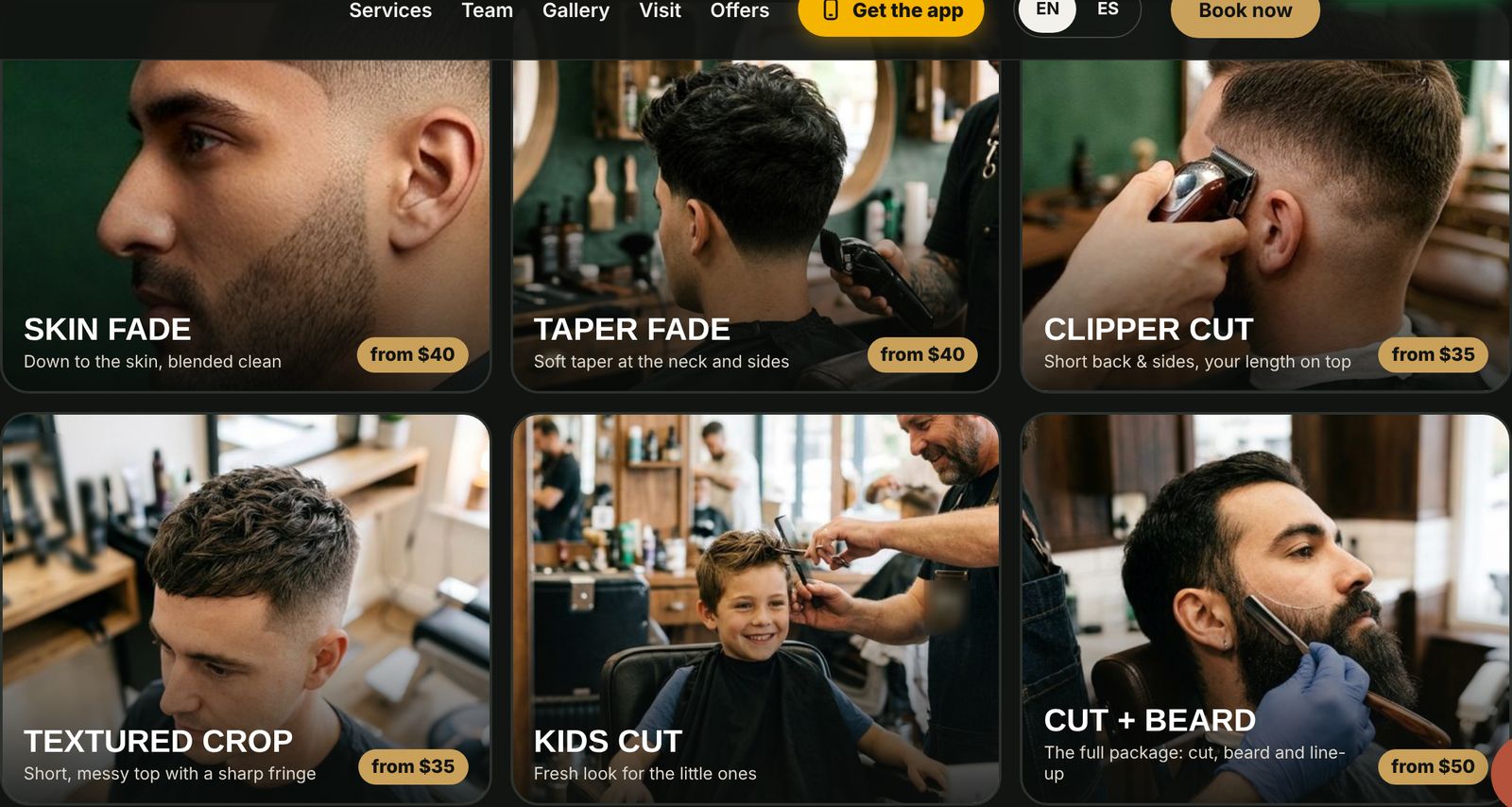
Barbershop: charcoal, brass and green. Fresh cuts with prices (fades, tapers, kids' cuts), beard rituals, a walk-ins band and Duke, the barber mascot.
On a phone
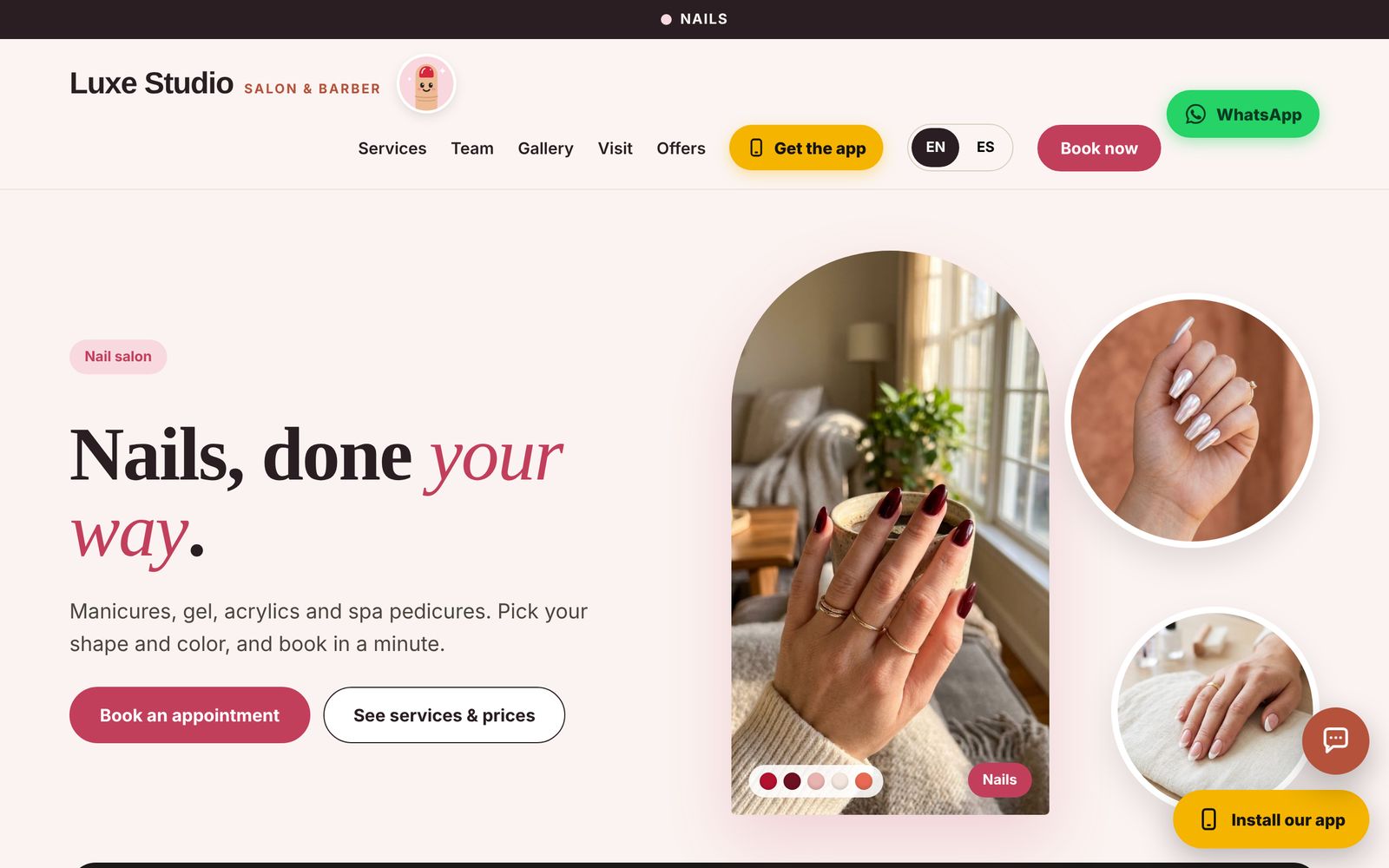
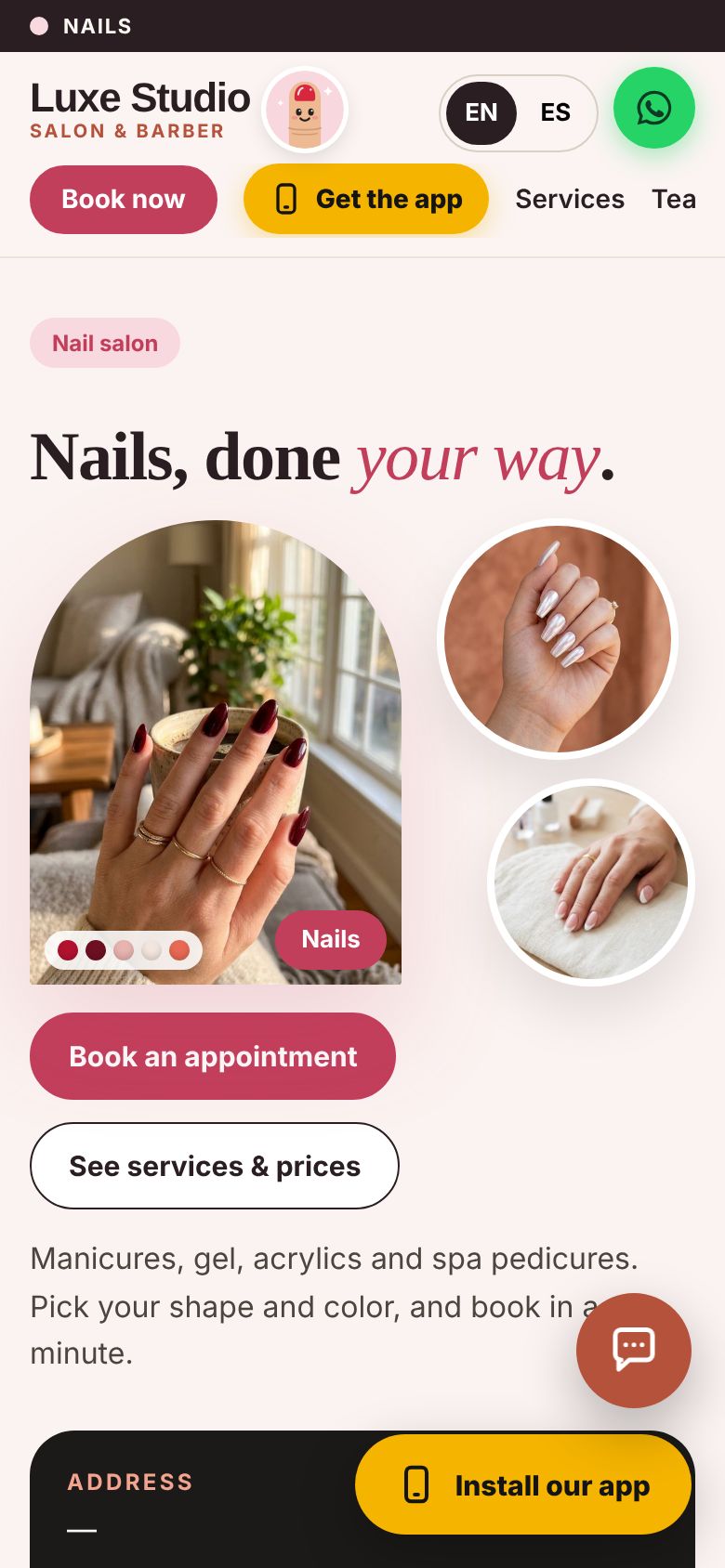
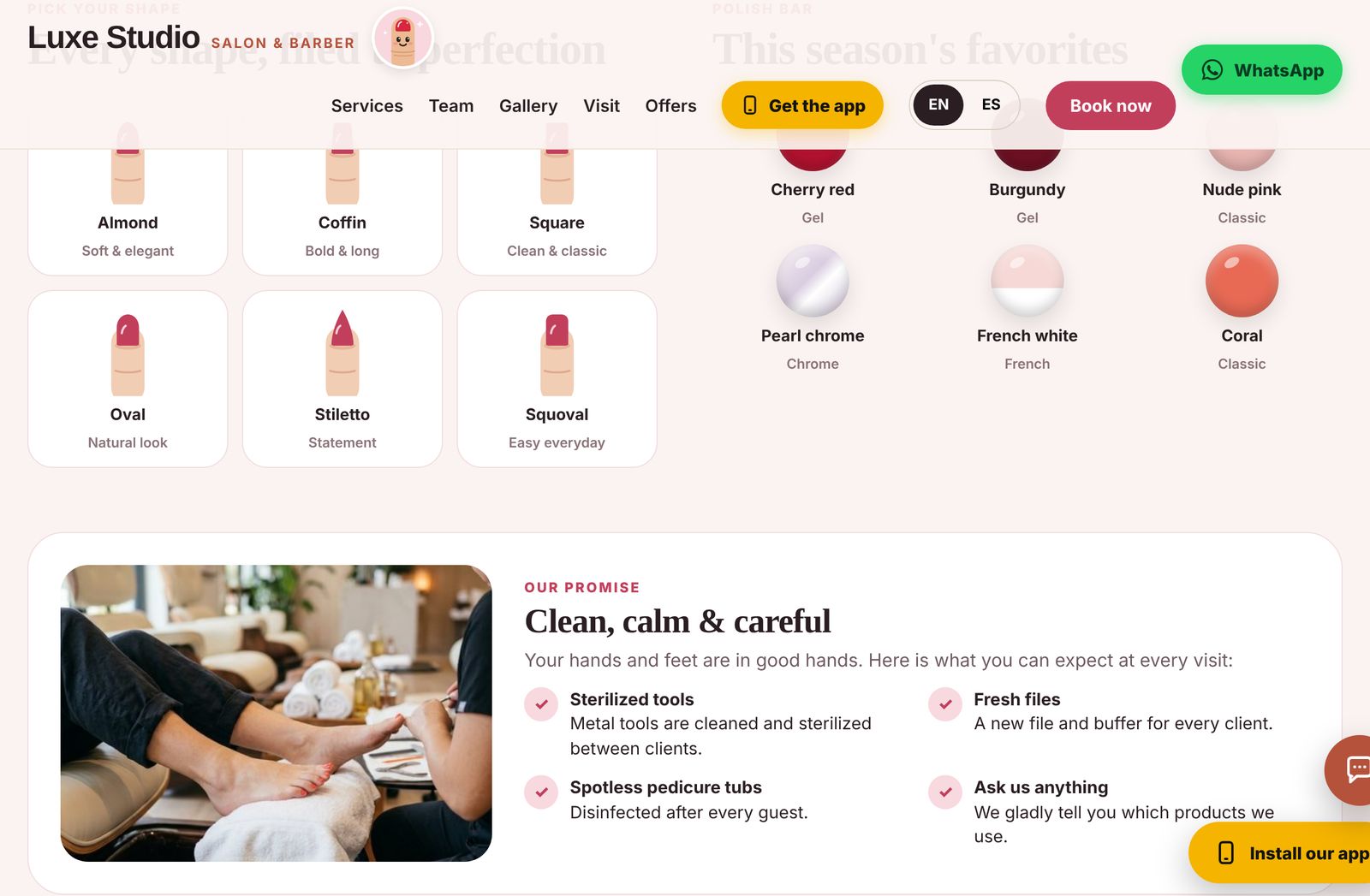
Nail salon: blush and berry. "Pick your shape", a polish bar, the clean-and-careful promise and Coco, the nail mascot.
On a phone
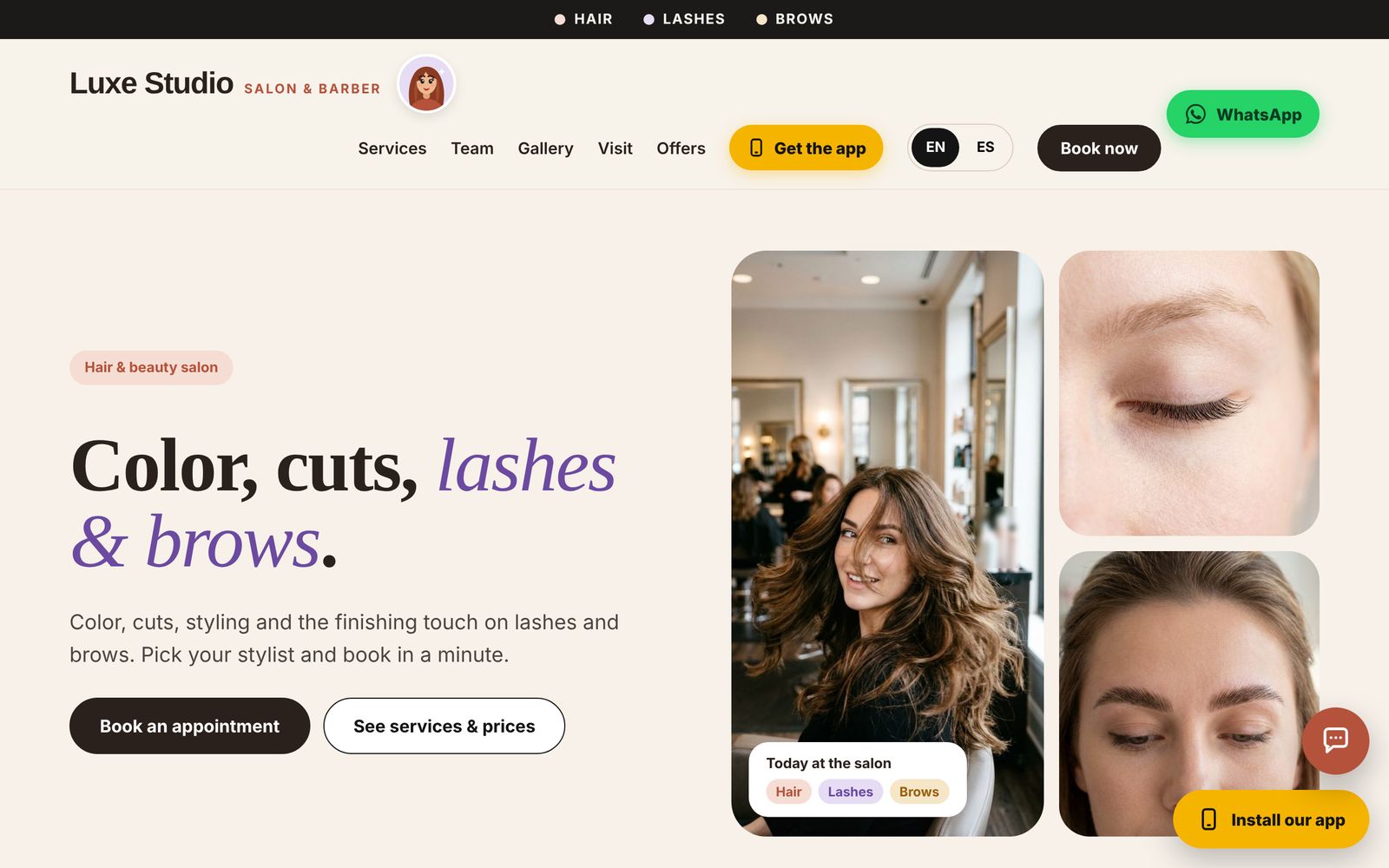
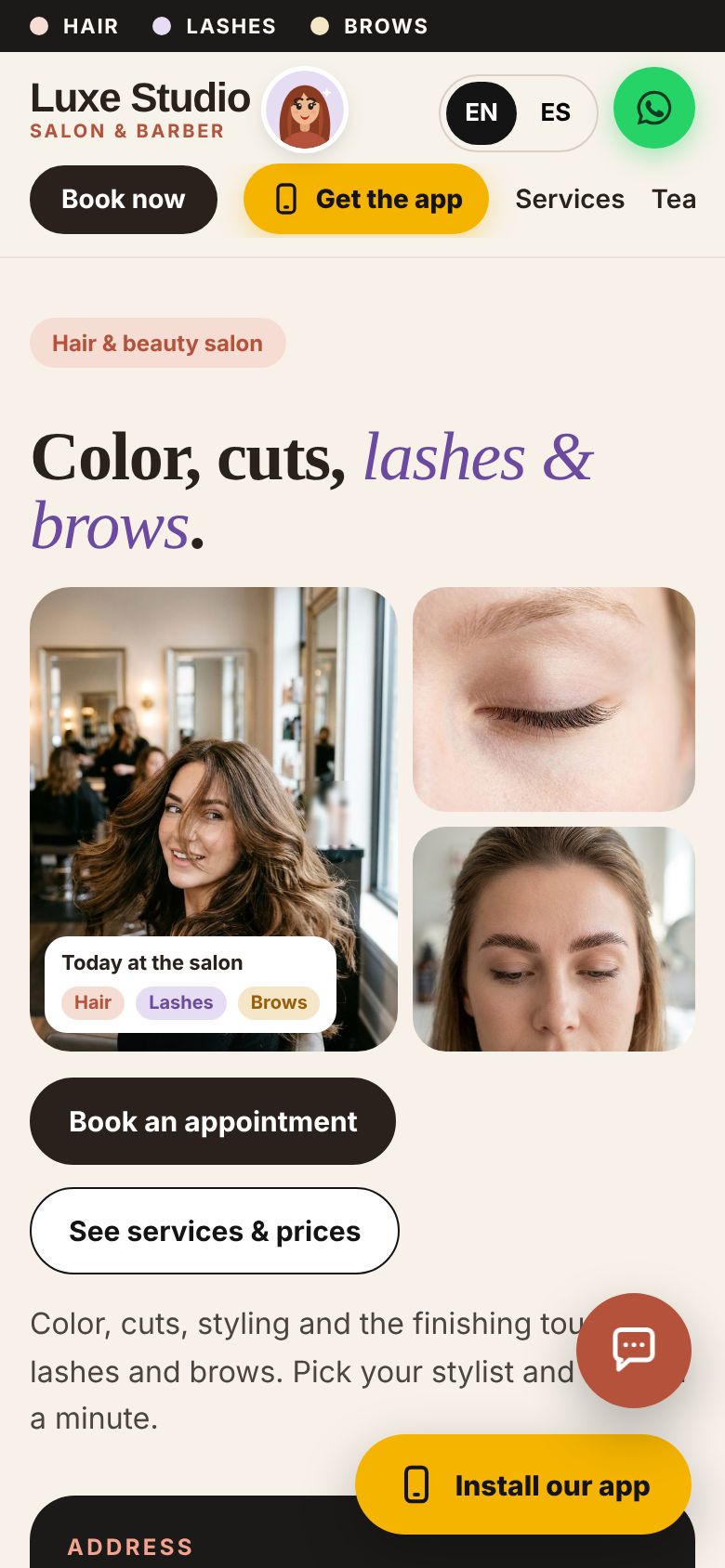
Hair & beauty: warm ivory with elegant titles. "Find your look", your visit step by step, lashes and brows, and Bella, the beauty mascot.
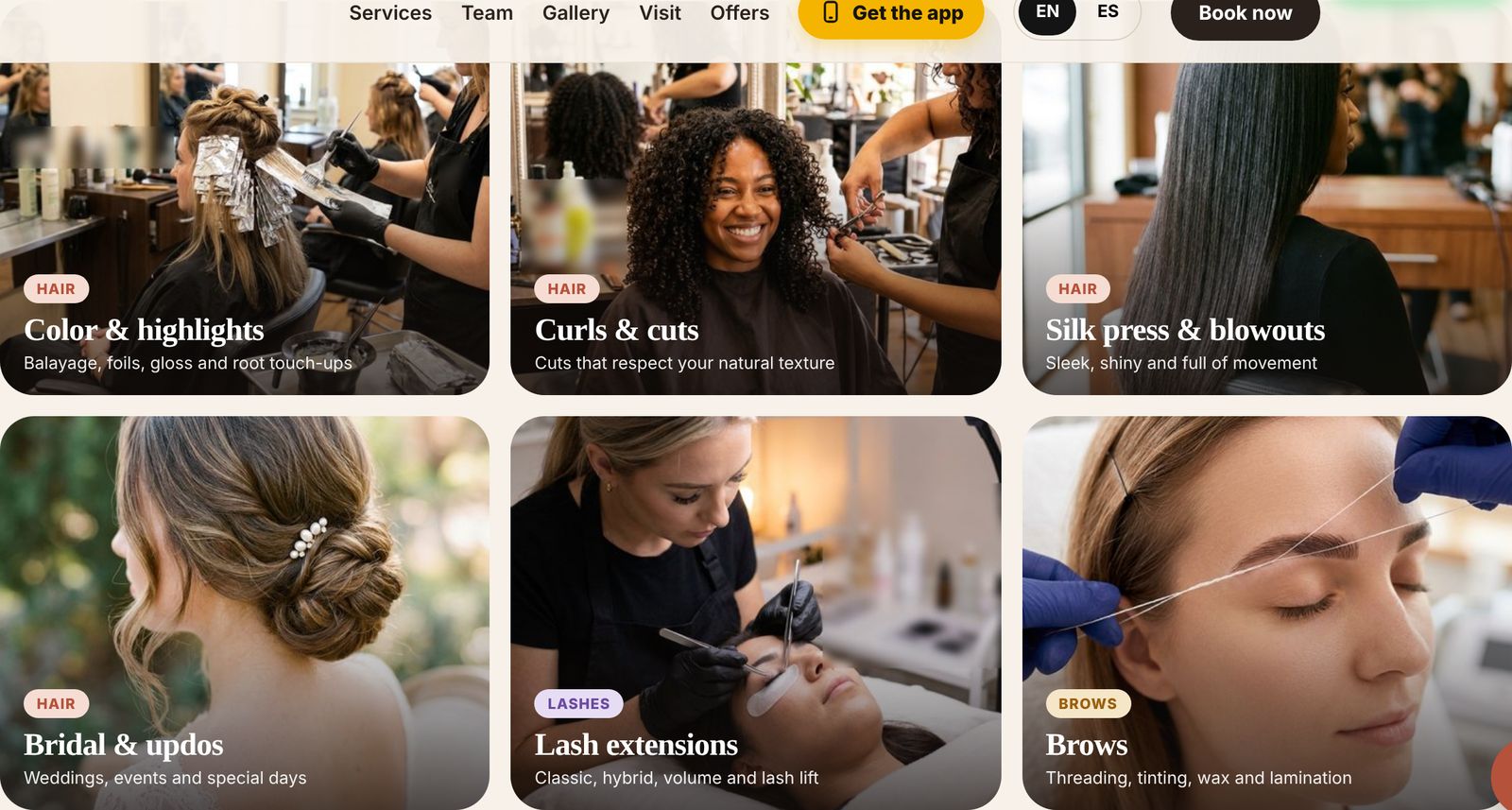
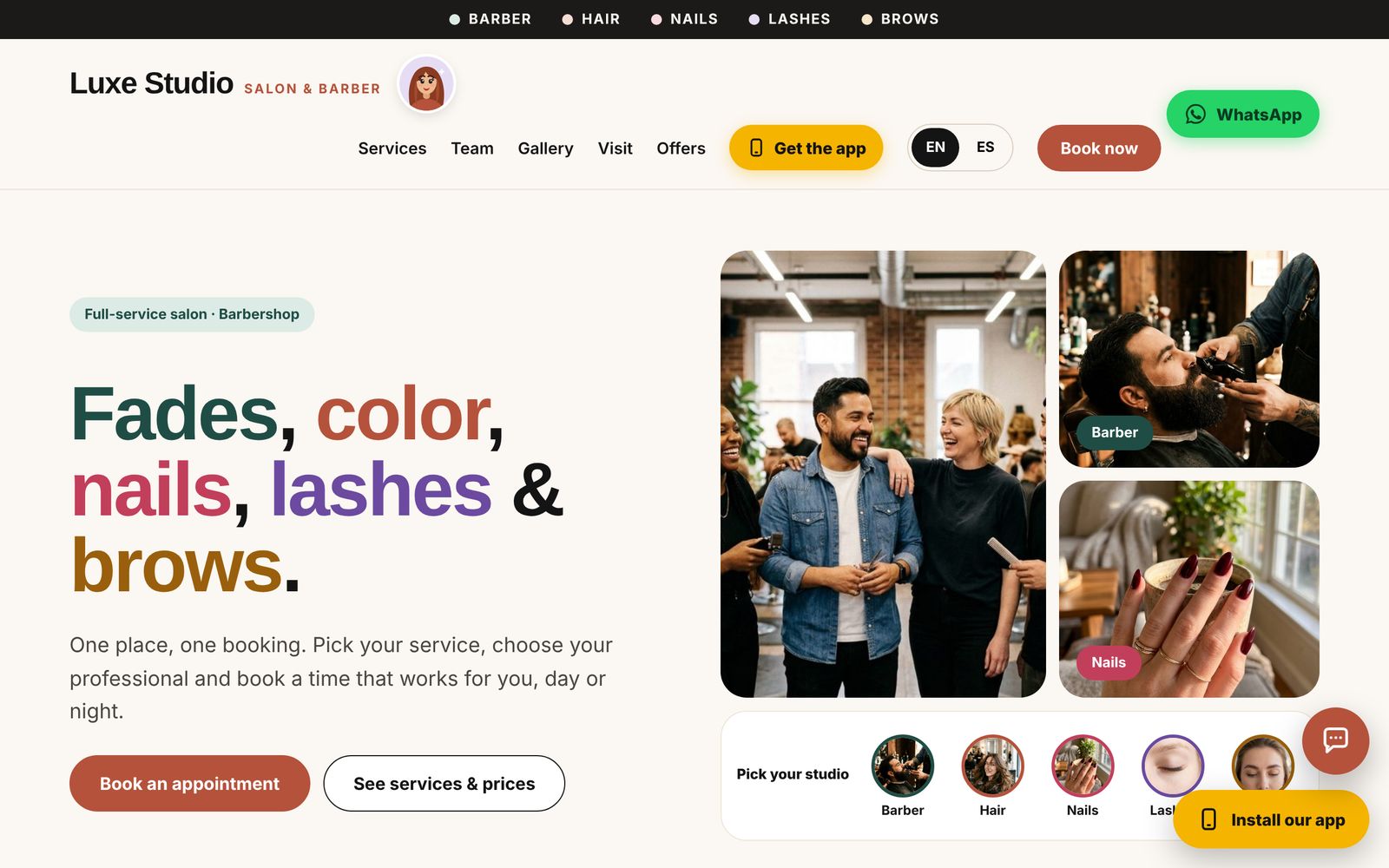
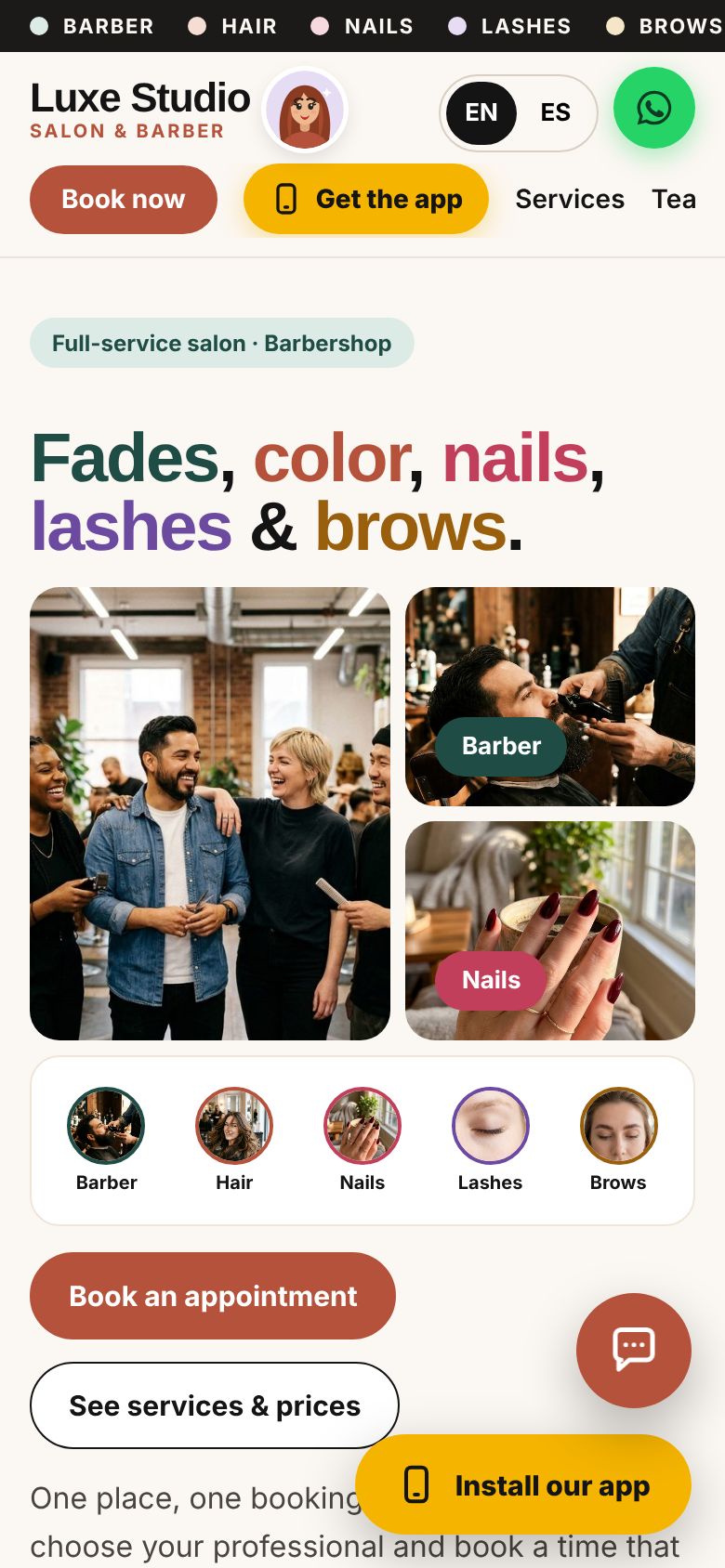
On a phone
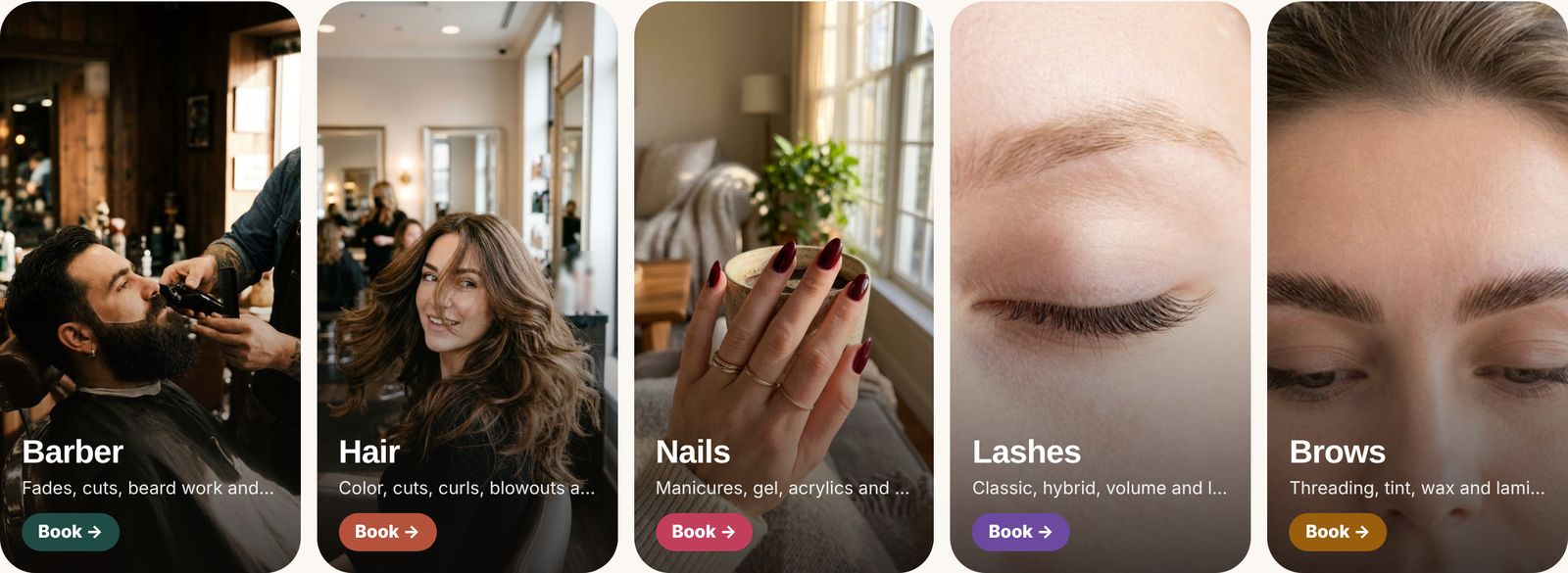
Full-service: the team up front, "pick your studio" for barber, hair, nails, lashes and brows, each with its own photos and booking.
Clients book in four taps, in English or Spanish
Service, professional, time, details. Done from the website or the salon's app on their phone.
- Only free times are offered, following your hours, each person's schedule and the time each service takes.
- One switch turns everything into Spanish: service names, descriptions, the team's titles, and every email the client receives.
- Requests land in the team's app for one-tap Confirm or Decline, and the client is emailed either way, with a calendar invite.
- A reminder the day before with a "Confirm my appointment" button cuts no-shows.
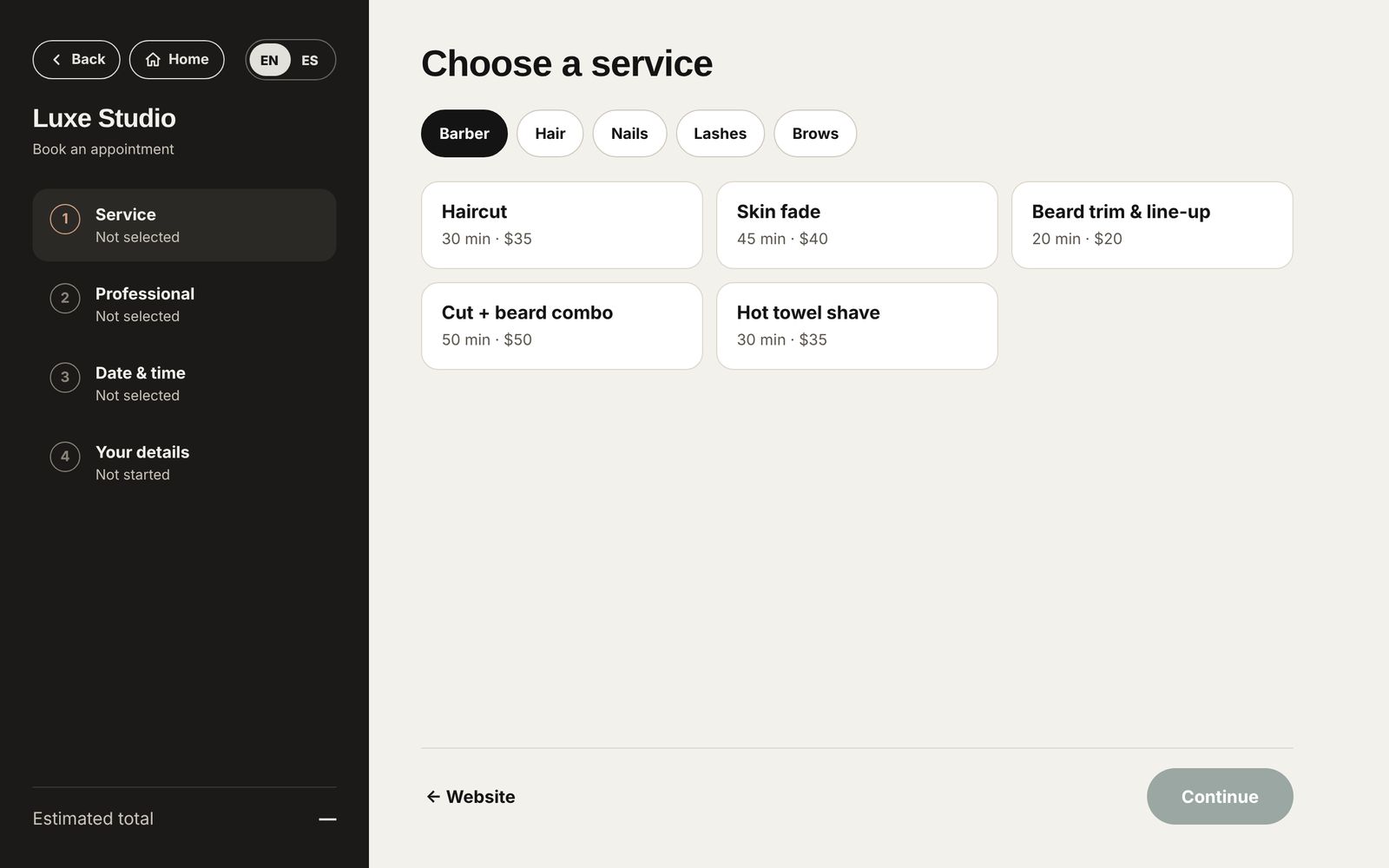
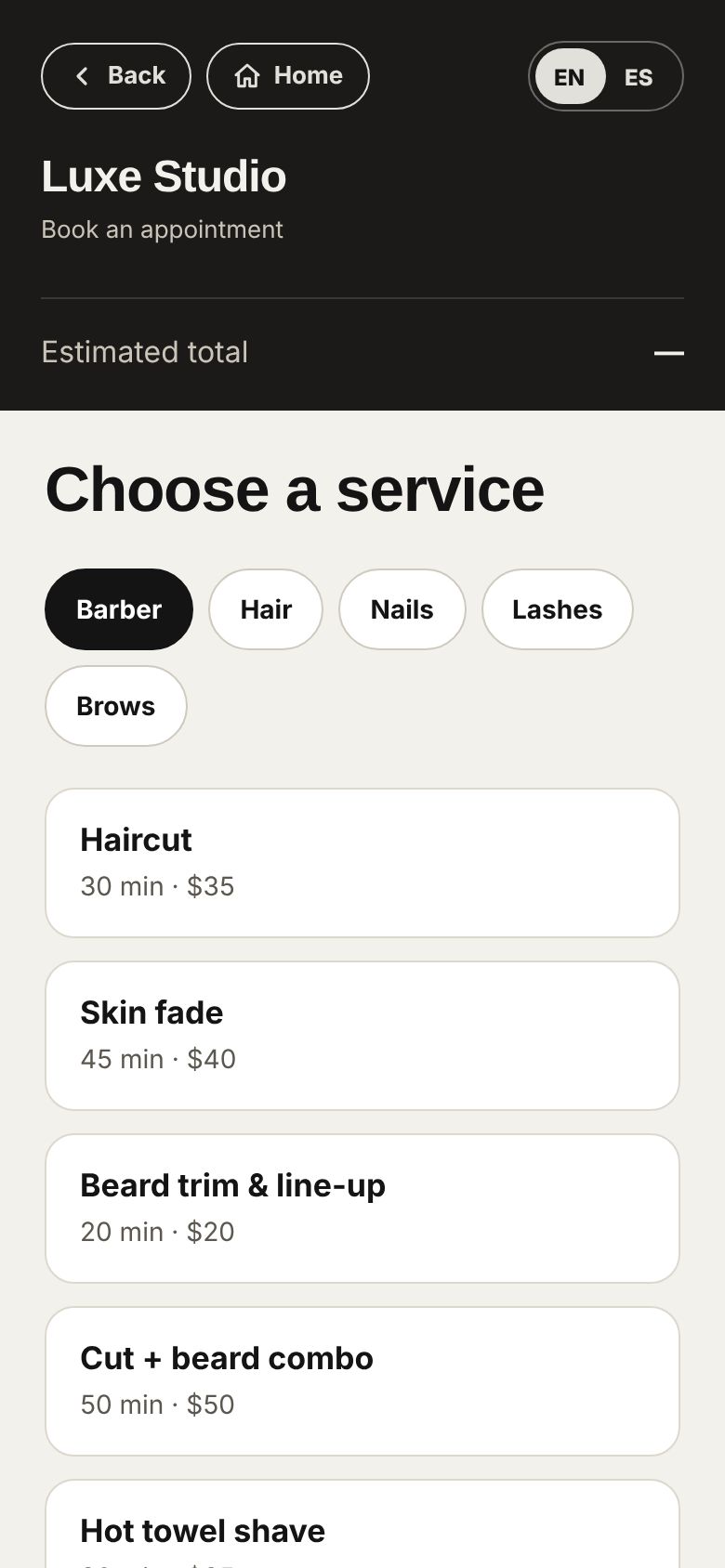
1 · Service
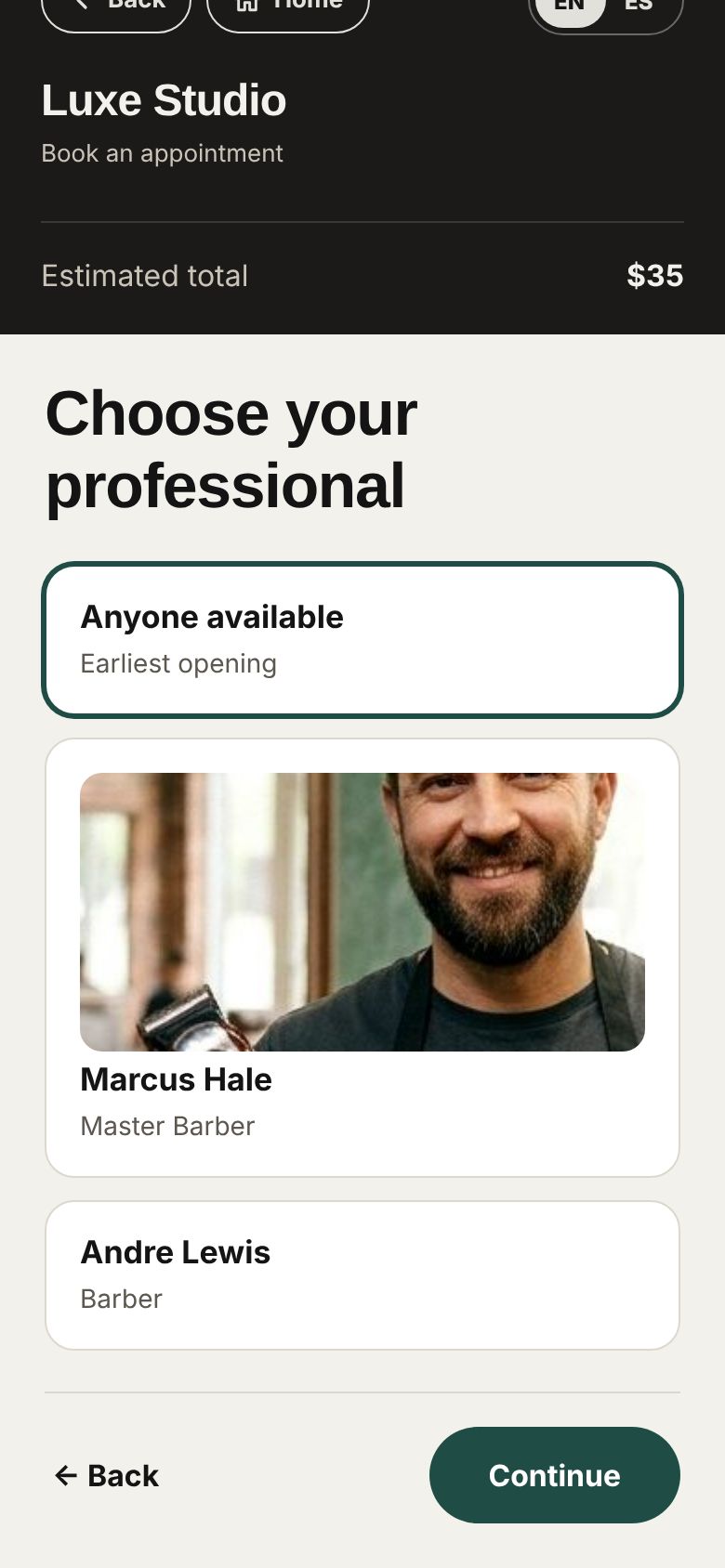
2 · Professional
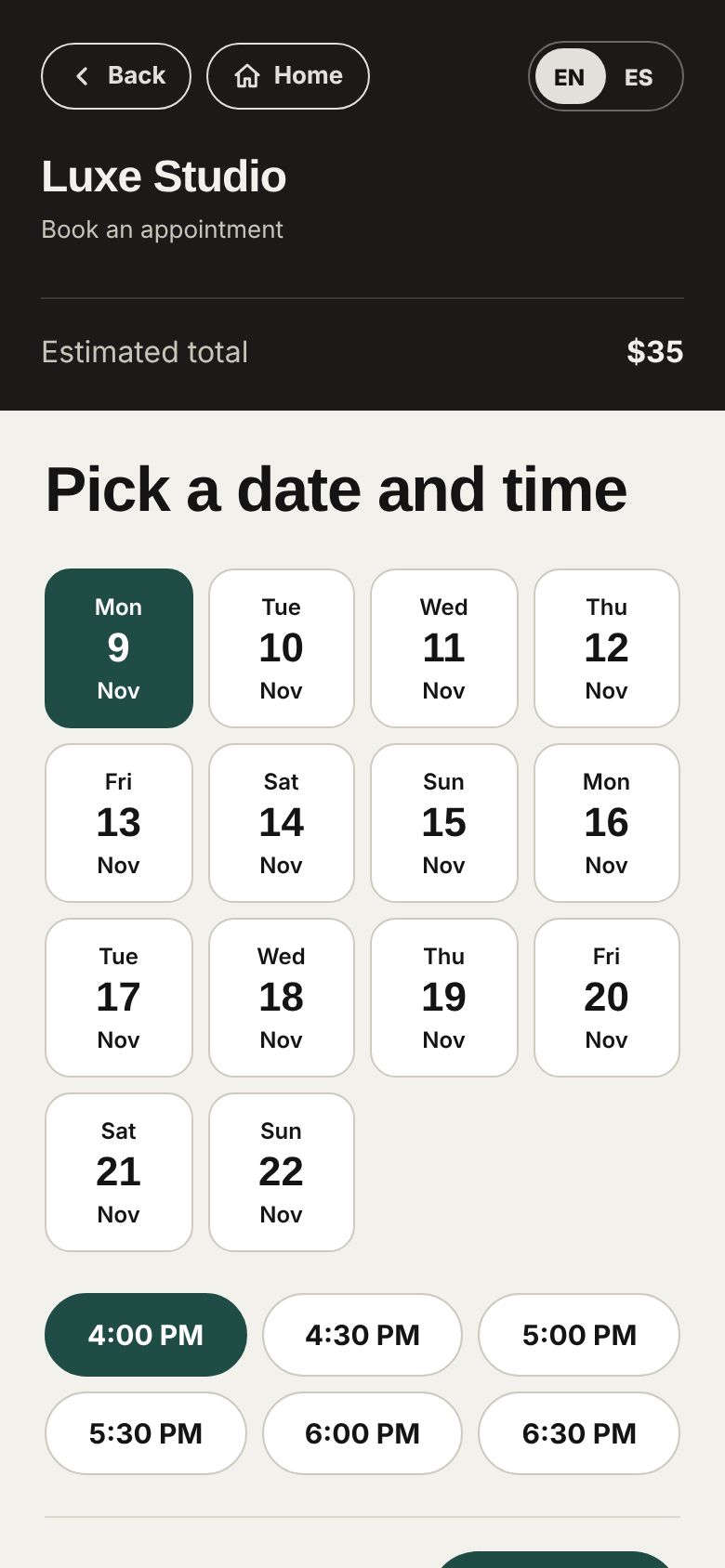
3 · Time
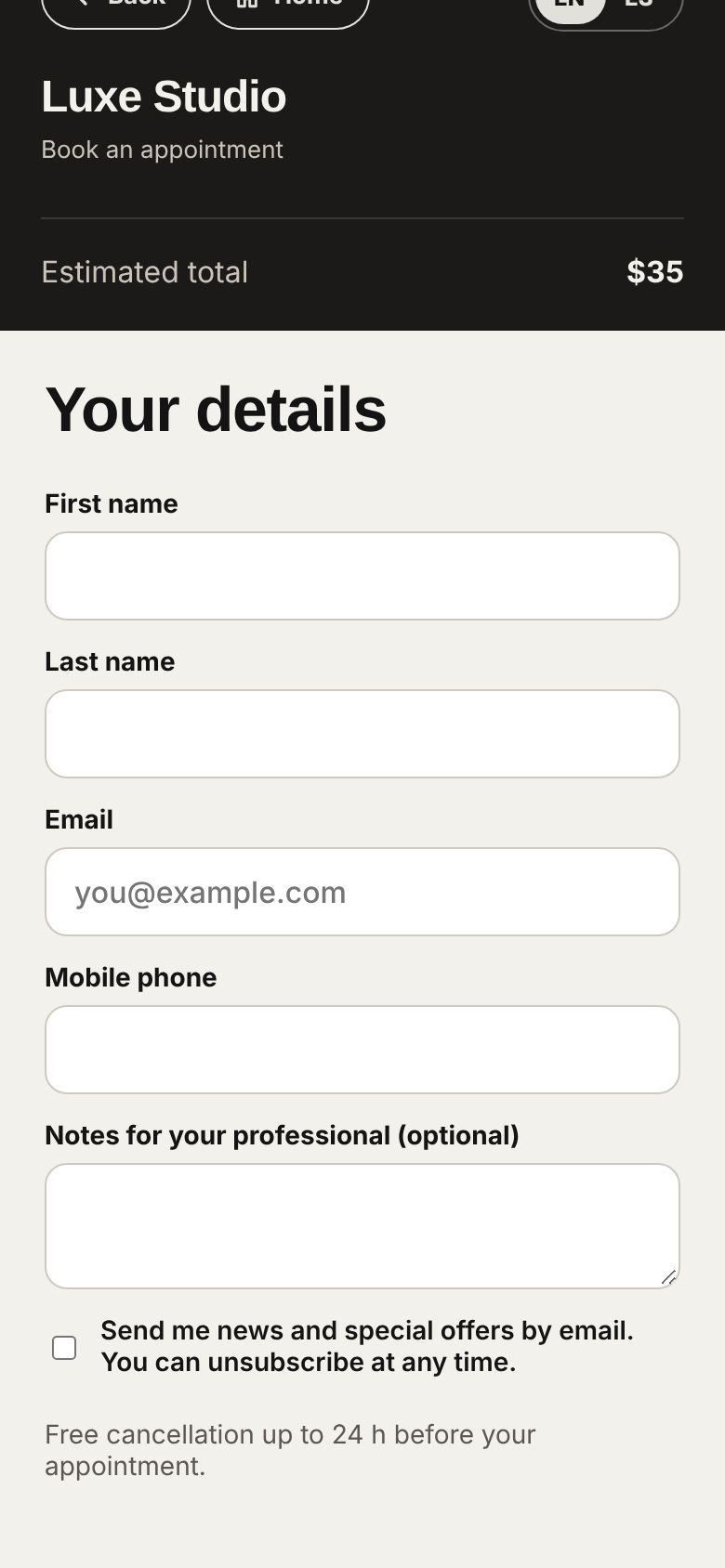
4 · Details
Answers at any hour, and WhatsApp one tap away
Most questions are about price, hours and where you are. The website answers them for you.
- The chat assistant answers prices, hours, location and how to book or cancel, in English or Spanish.
- "Talk to the team" sends the message to your staff app; clients get the reply live, or by email if they left.
- A WhatsApp button in the corner opens a chat with the salon. With several numbers, clients pick who to message.
- The salon's mascot pops up with short tips: open until, today's offer, install the app.
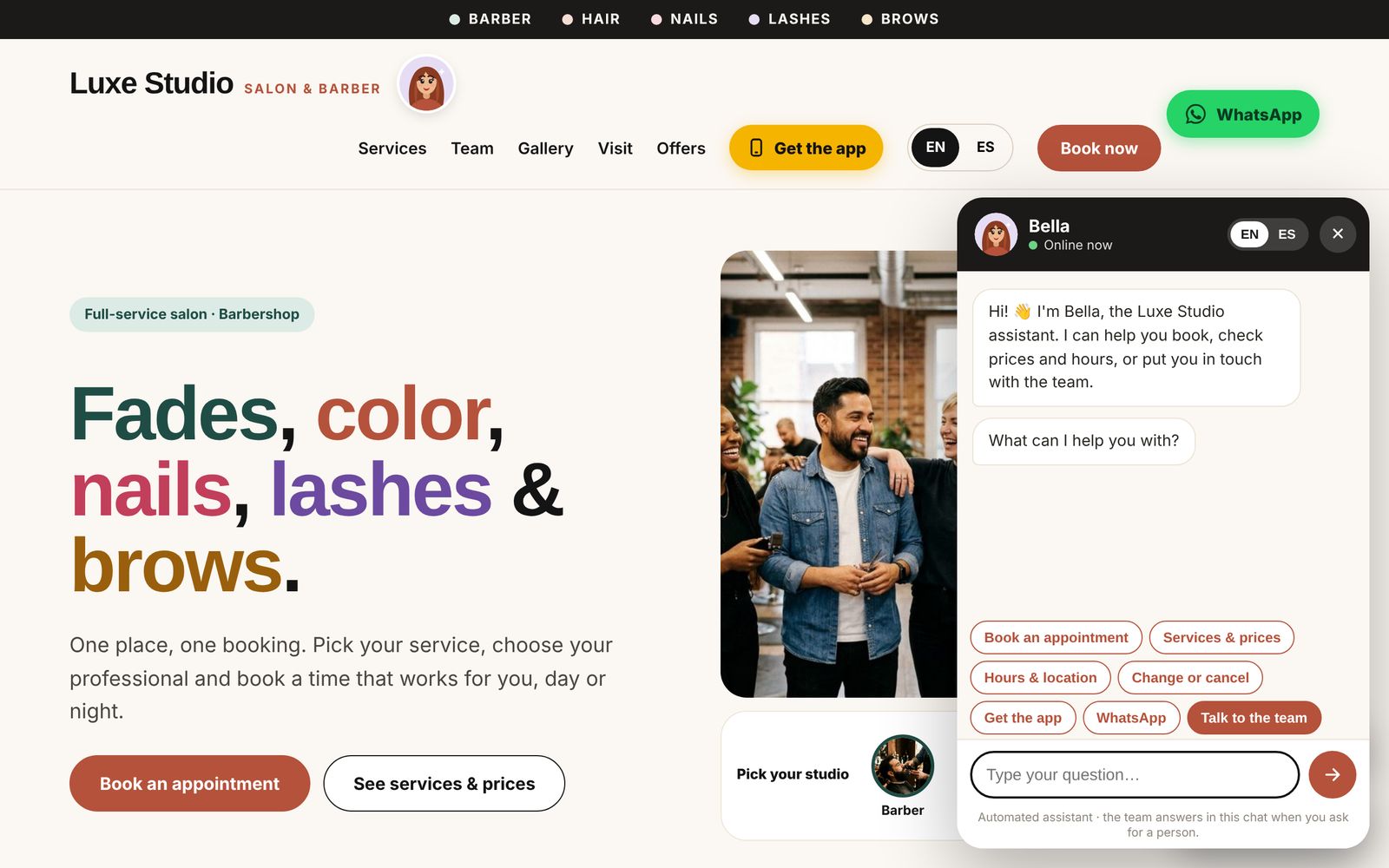
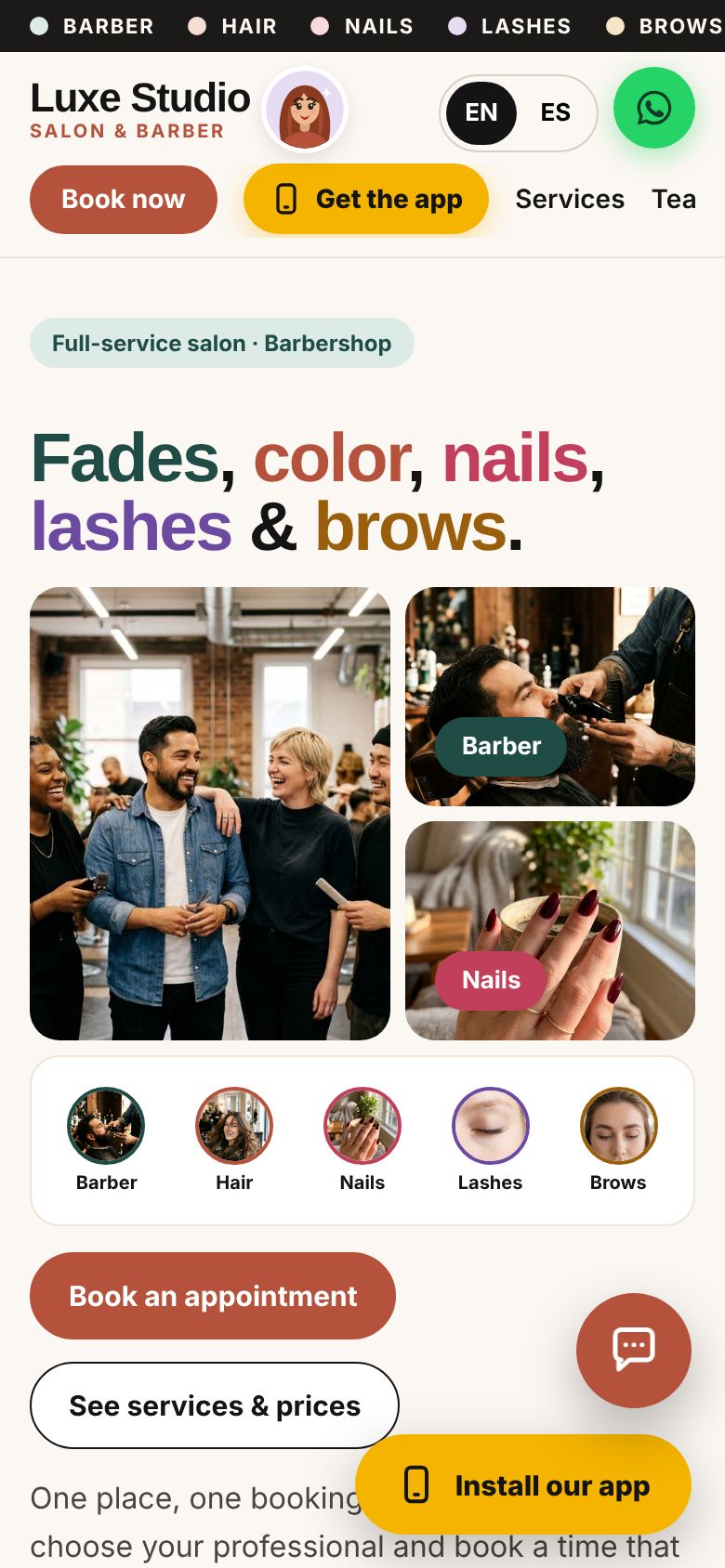
Pick who to message
The day at a glance, with a friendly assistant
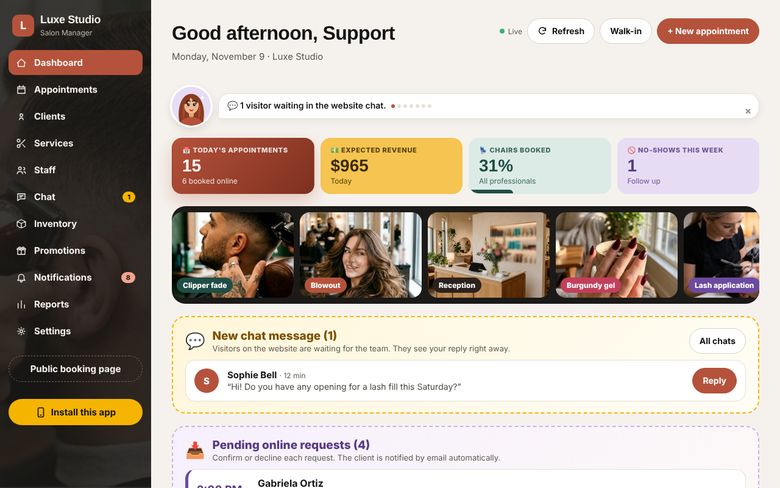
The first screen every morning. It refreshes itself, so the front desk always sees what is happening now.
- Today's appointments, expected revenue, chairs booked and this week's no-shows. Tap any box to open the list behind it.
- The mascot gives the day's news, most urgent first: new requests, chat messages, products running out.
- Online requests wait here with Confirm and Decline. Photos of your active services rotate at the top.
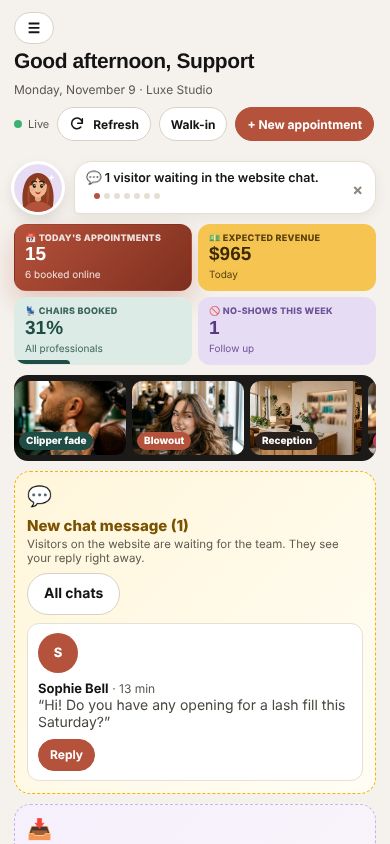
The same day on a phone
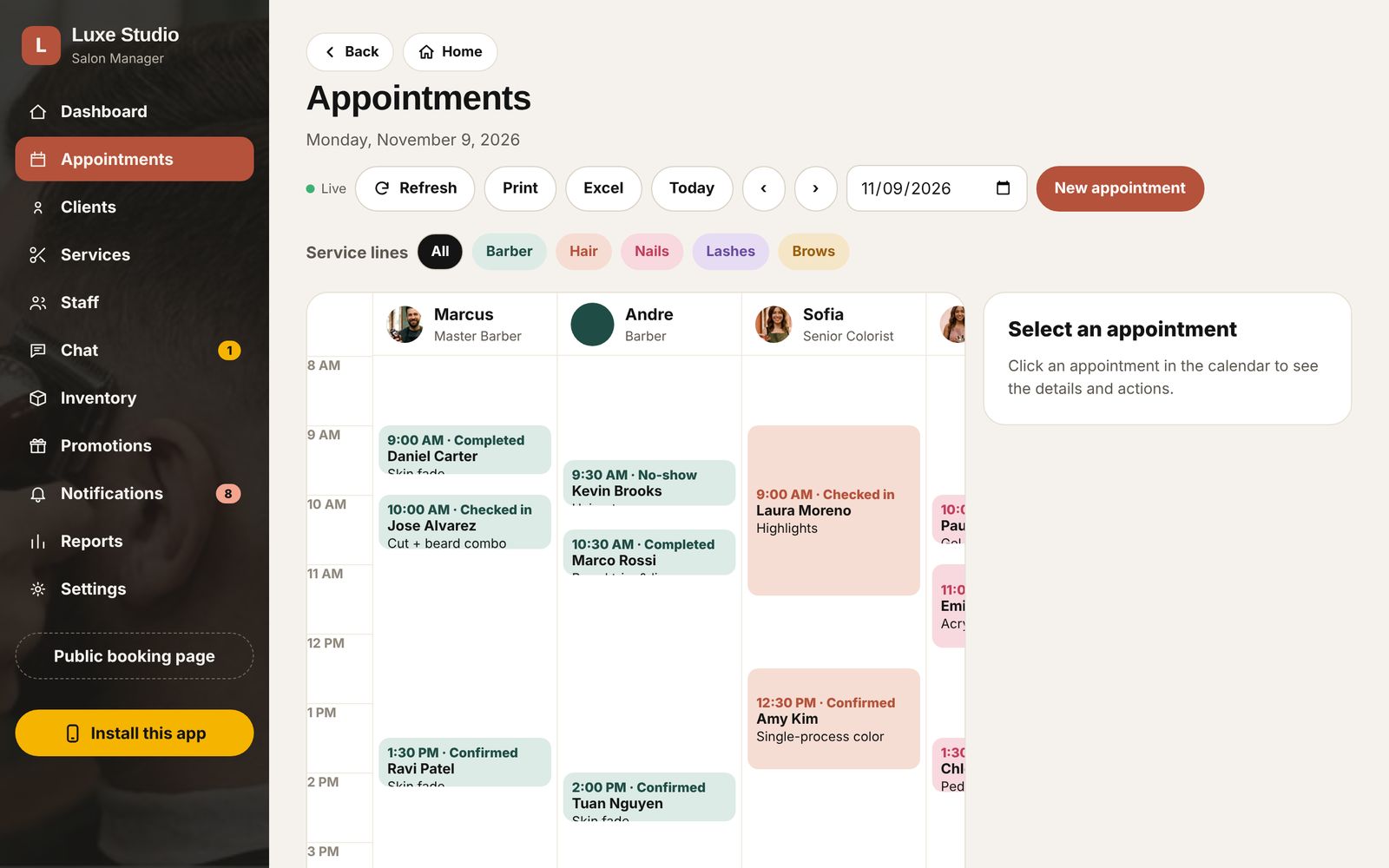
A calendar with a column for every chair
Filter by barber, hair, nails, lashes or brows, and see who is free.
- Confirm, check in, complete, move or cancel with one click. Clients are emailed every change.
- Book from the front desk or add a walk-in in seconds.
- Print the day or export it to Excel.
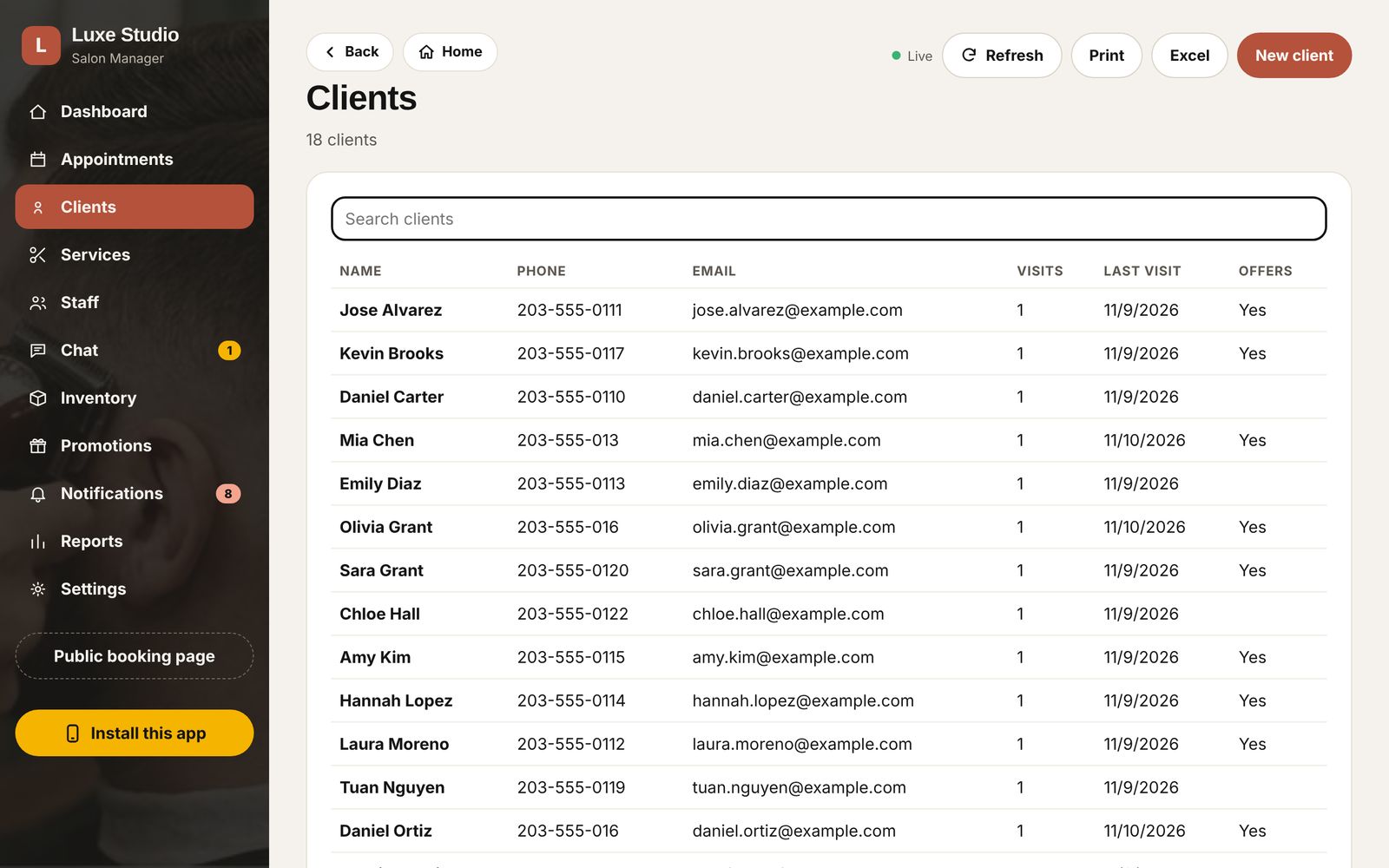
Every client, every visit, every formula
The client file your team actually uses.
- Contact details, visit history and whether they accept offers.
- Technical notes that stay with the client: color formulas, lash maps, the fade they like.
- Patch tests recorded with their date, and flagged when a service needs one.
Your menu and your team, in two languages
What you change here shows on the website right away.
- Services by line with time, price, "show online" and "needs a patch test", each with its Spanish name and description.
- Each team member: role, the services they do, whether clients can book them online, and a bio in English and Spanish.
- Each person chooses where their alert emails go, even a personal address.
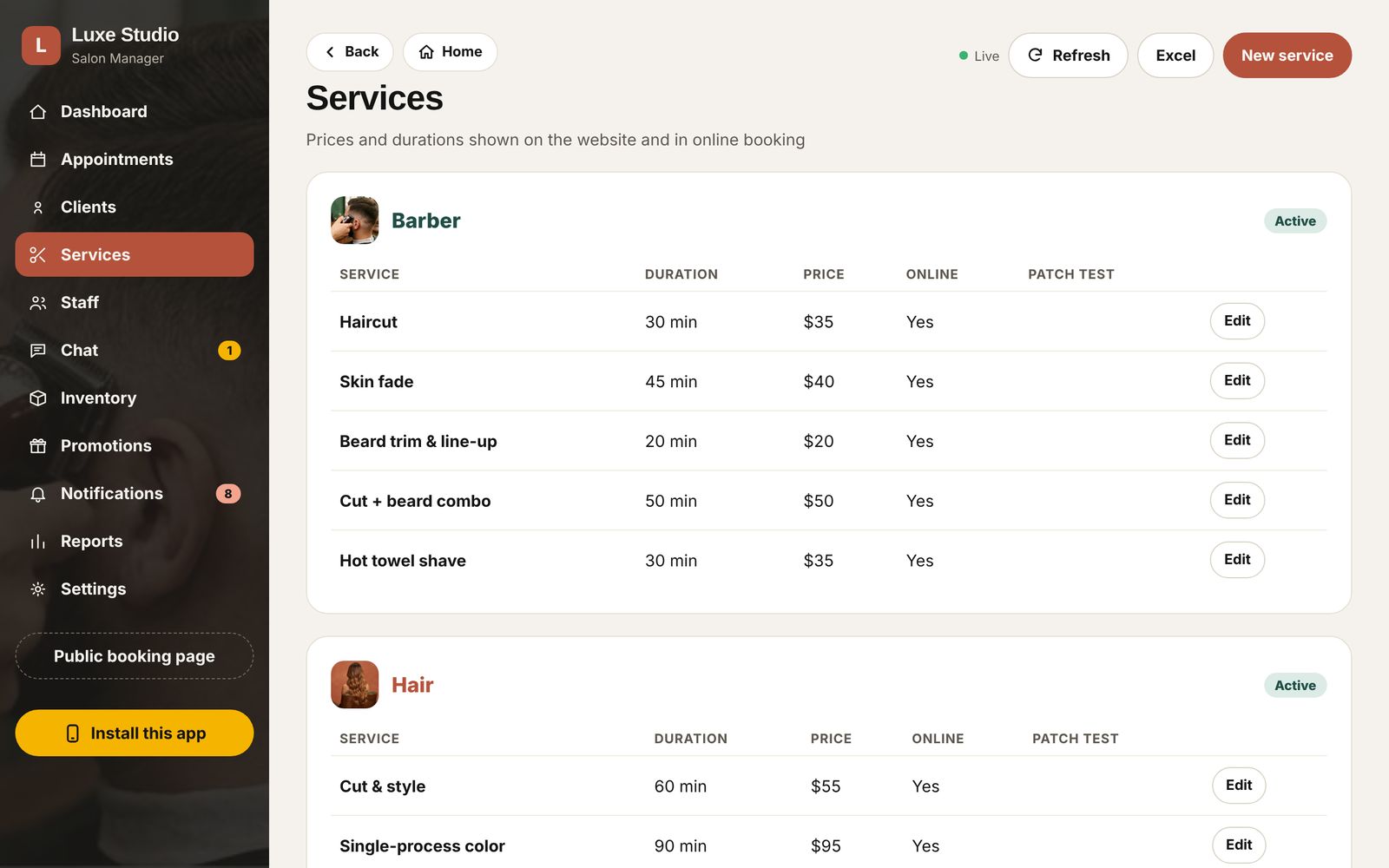
Services and prices
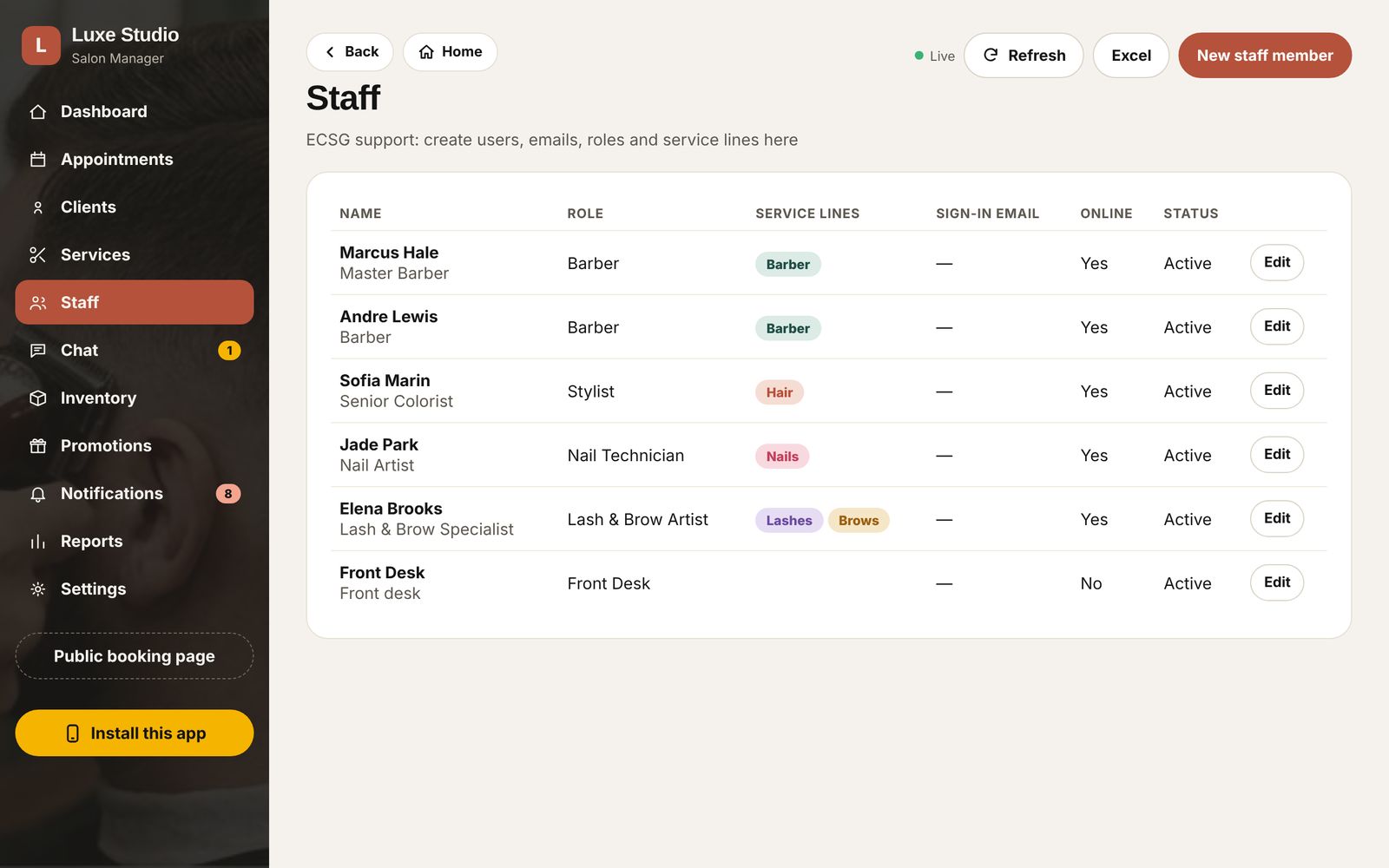
The team
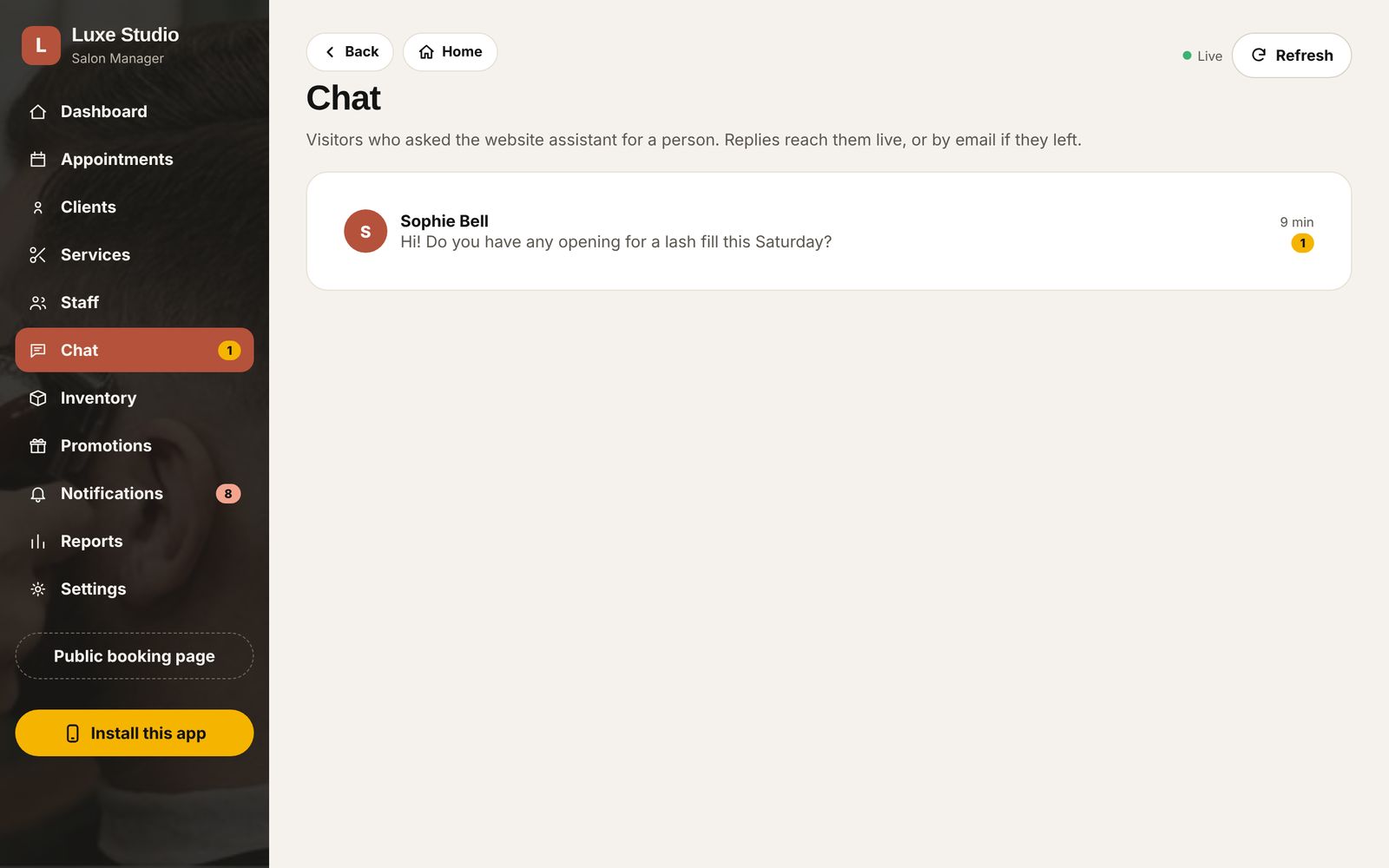
Website conversations in one inbox
When a visitor asks for a person, the front desk gets a notification.
- Replies reach the visitor live on the website.
- If they already left, the reply goes to their email automatically.
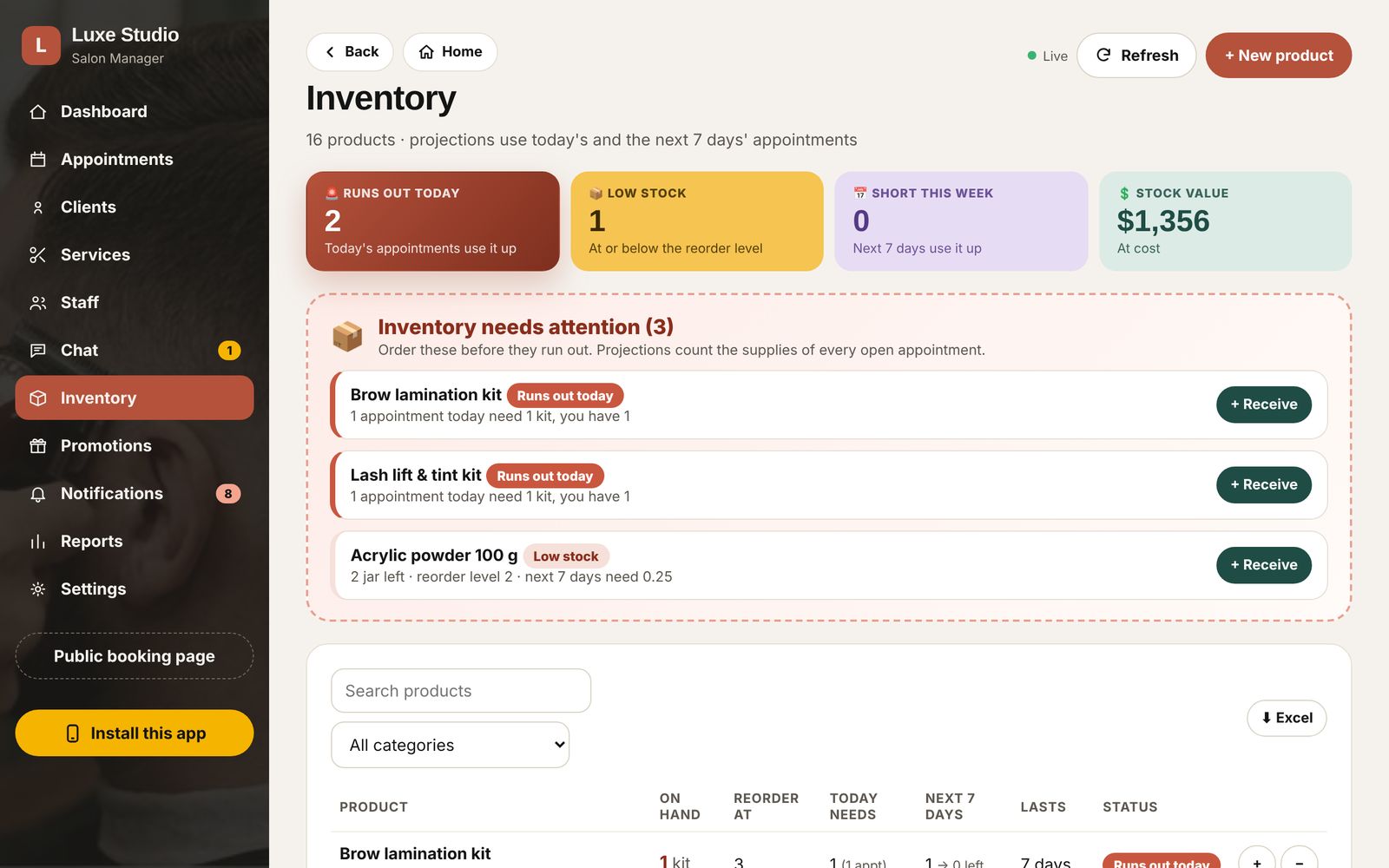
Know before the color runs out
Products and supplies, with what each service uses.
- The app looks at today's and next week's appointments and warns before an item runs out.
- Receive, use, sell and adjust stock; every movement is recorded.
- Low stock shows on the dashboard and arrives as a notification.
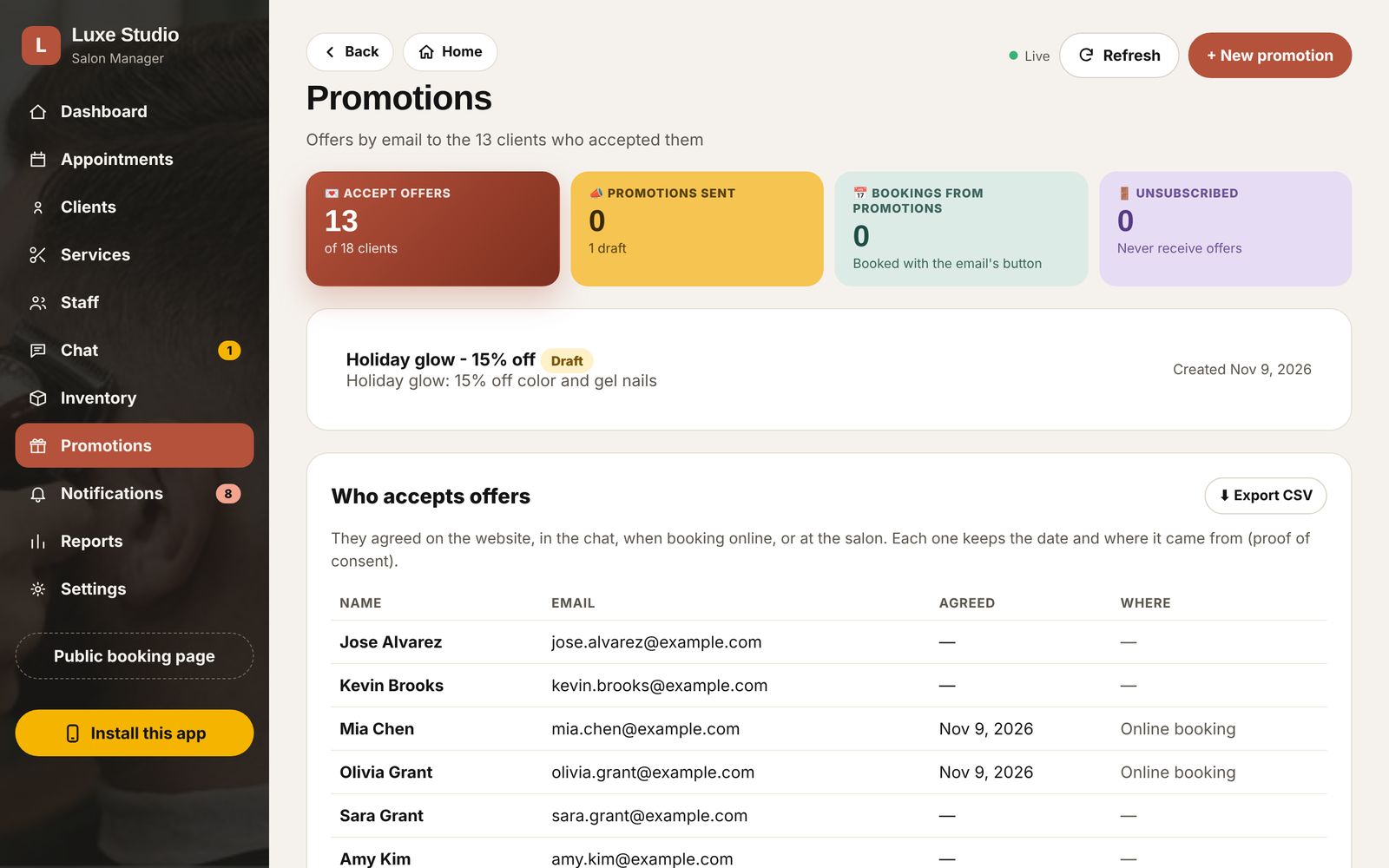
Fill quiet days with offers clients asked for
Clients sign up from the website or when they book.
- Write the offer, send yourself a test, then send it to everyone or only to clients of one service, or those you have not seen in a while.
- Every email has an Unsubscribe link, and the list updates by itself.
- See how many bookings came from each promotion.
Real apps, with nothing to download from a store
Your team and your clients install the salon from the browser on iPhone, Android or a computer.
- Two apps: Salon Manager for the team and the salon's own app for clients.
- On a phone, tables turn into easy cards and the menu stays out of the way.
- When a new version is ready, the app lets your team know and updates in one tap.
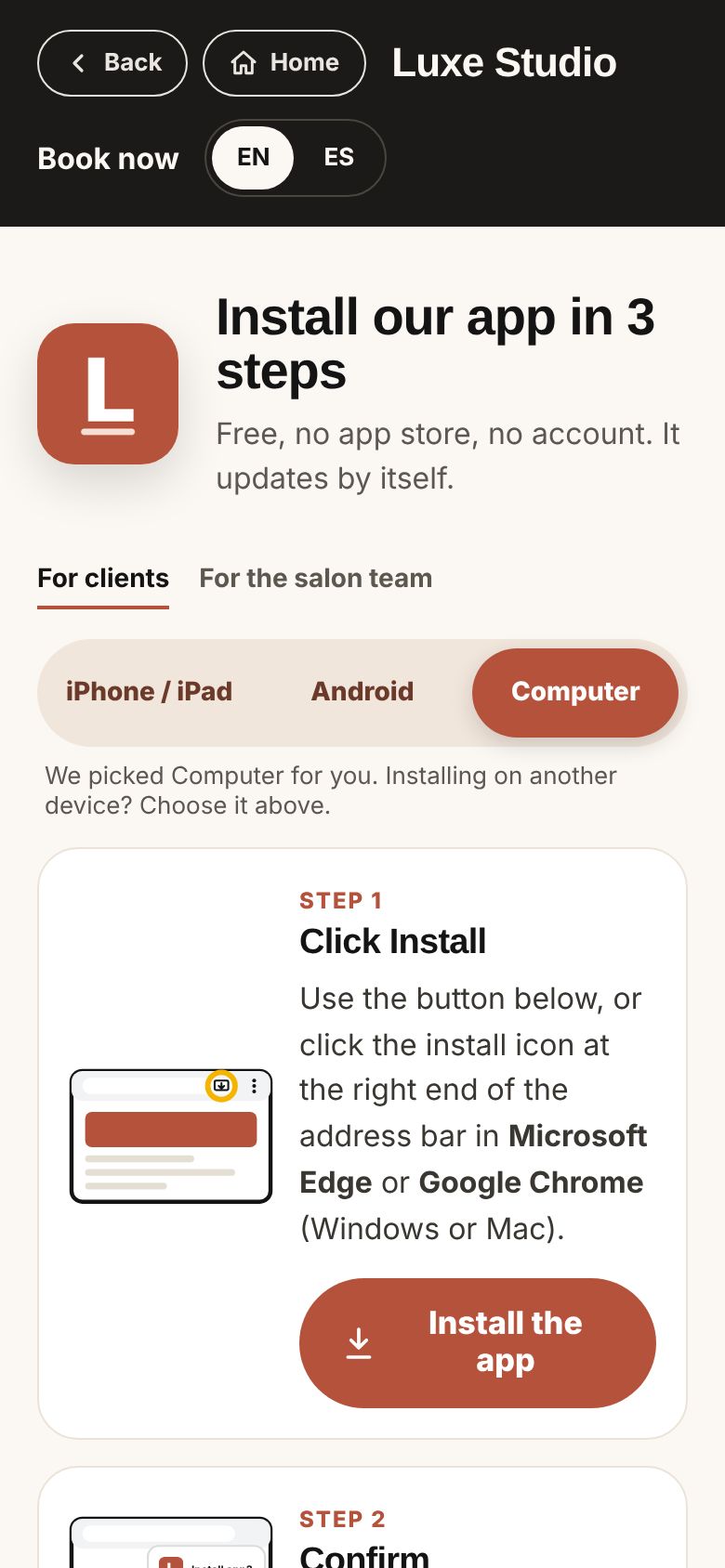
Install in a few taps
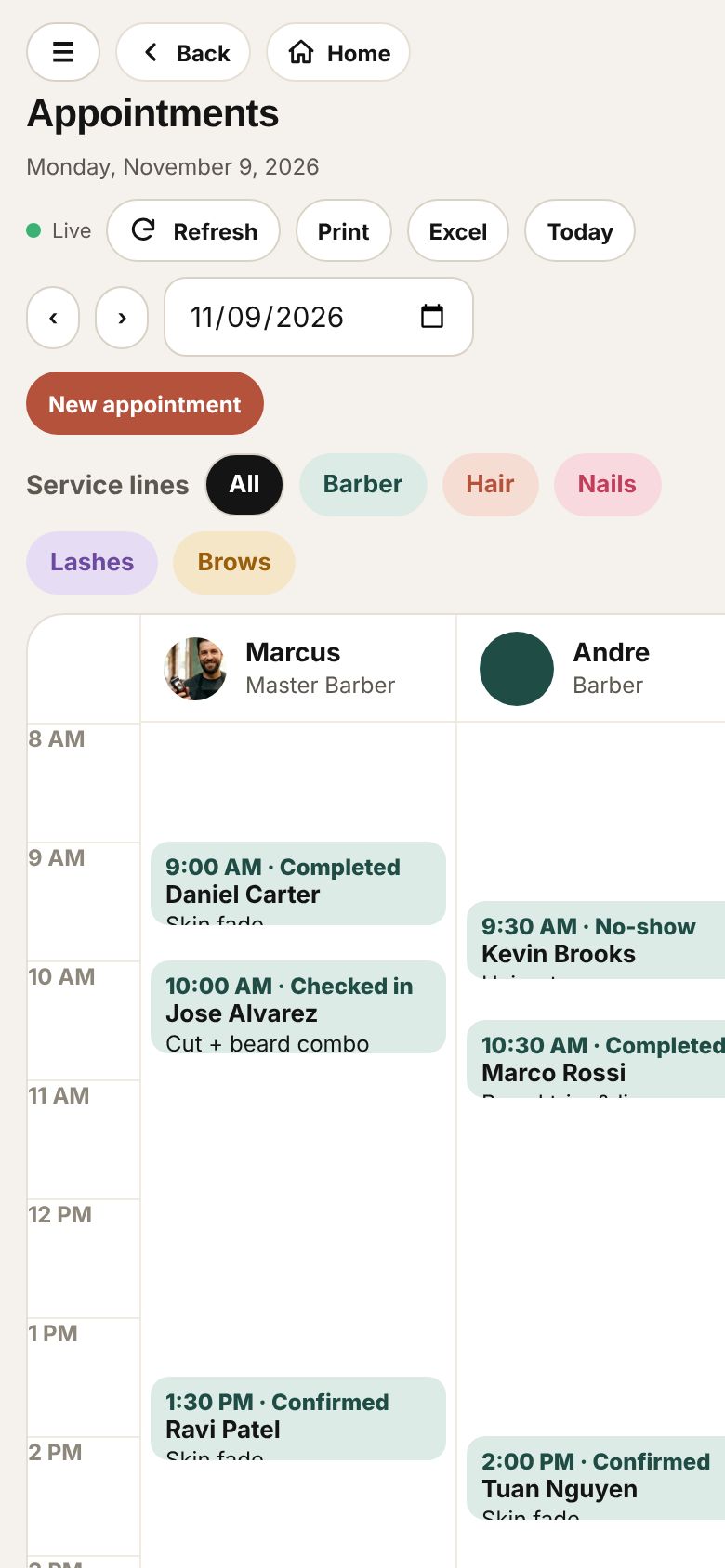
Appointments on the go
The day in your pocket
Nobody misses a booking
On every phone
A notification for each new online booking, chat message, cancellation, change, check-in and low stock. Tap it and the app opens right there.
By email
The professional and the salon inbox get each new request with a calendar invite. Each person chooses which alerts they also want by email, and where.
For your clients
Request received, confirmed, declined, moved and a reminder the day before, in the client's language, with calendar invites.
The right access for each person
Microsoft sign-in
Each team member signs in with their own Microsoft work account, with multi-factor authentication. Only the people you approve get in.
Roles
Barber, Stylist, Nail Technician, Lash & Brow Artist, Front Desk and Manager access. A barber sees the appointments and clients, not the revenue or the settings.
Activity log
Who changed what and when. Managers can turn off someone's access at once.
Backed up in Microsoft Azure
Your data lives in Microsoft data centers in the United States, encrypted and backed up continuously, with restore to any minute of the last 7 days.
Your salon, your brand
Name, logo, colors, phone and address appear on the website, the apps and every email.
- Your hours, cancellation window and time between appointments.
- WhatsApp numbers for the front desk and team members.
- Your mascot: turn it on or off and give it a name.
- Bring your clients and services from your current system with an Excel or CSV file; ECSG does it for you.
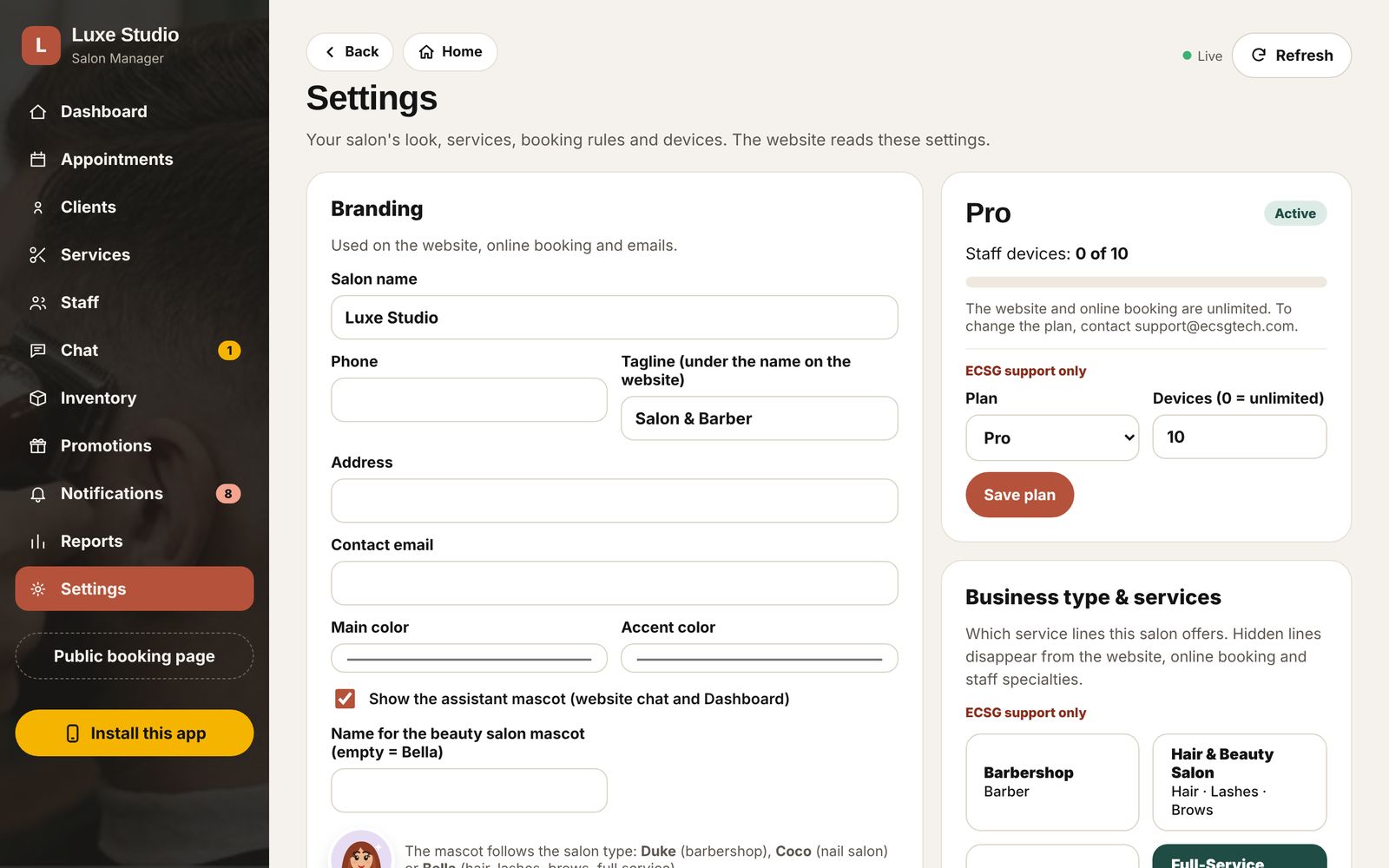
Every feature in every plan. Choose by how many devices your team uses.
Basic
A small shop: the front desk and a couple of phones.
Pro
A busy salon with several chairs and stations.
Enterprise
Large salons and multi-studio teams.
A device is any computer, tablet or phone where someone on your team signs in. Your website, online booking and client app are unlimited on every plan.
Set up for you
ECSG installs the app, applies your branding and photos, imports your clients, creates your team's accounts and handles support.
Works on what you have
The front desk computer, a tablet at the station and everyone's phone. Nothing to install on a server.
Improves over time
New features reach every device automatically. The app tells your team when a new version is ready.
See it with your salon
We'll show you Salon Manager live with your services, your photos and your team. Secure. Reliable. Human.